Computer Repair

Computer repair starts with finding out what is actually causing the problem. The same symptom can come from Windows, storage, memory, overheating or a failing part.

Below you will find articles about common repair jobs, slow computers, startup problems and replacing parts. If your computer does not work as it should, start here.

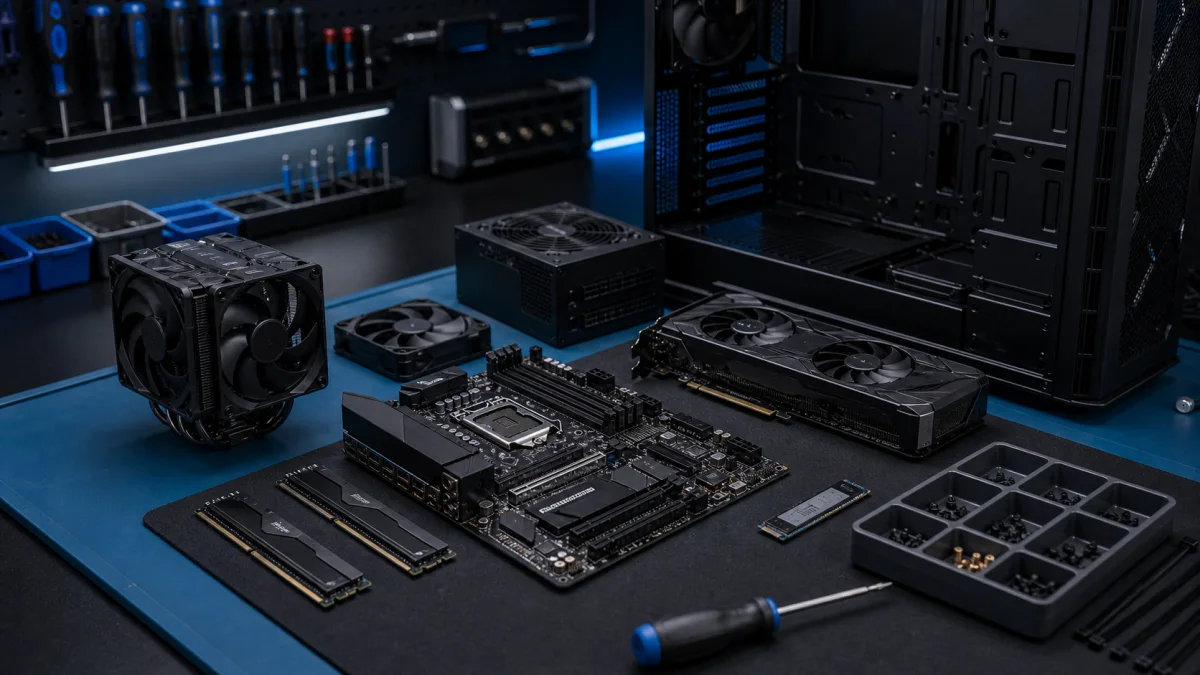
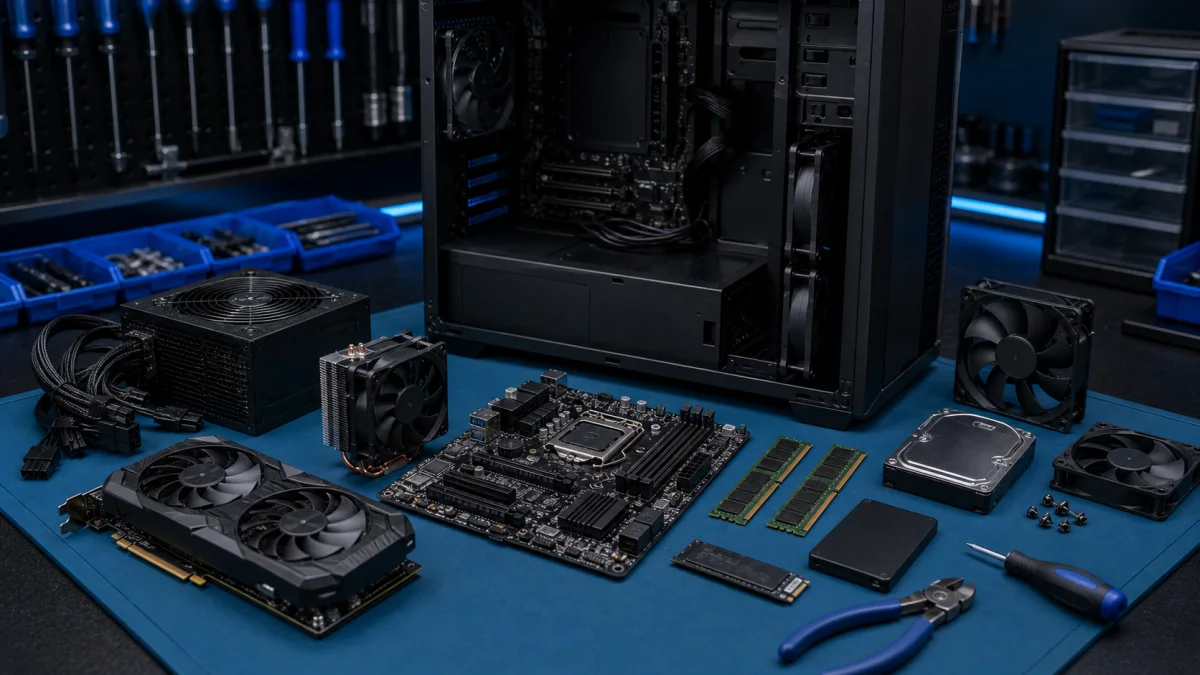
Choosing and Assembling Computer Components

When it comes to selecting computer components, there are several important factors to consider. Here are a few guiding factors: Budget: Determine how much you're willing to invest in a computer. More powerful components like a faster processor, a quality graphics card, and larger amounts of memory...

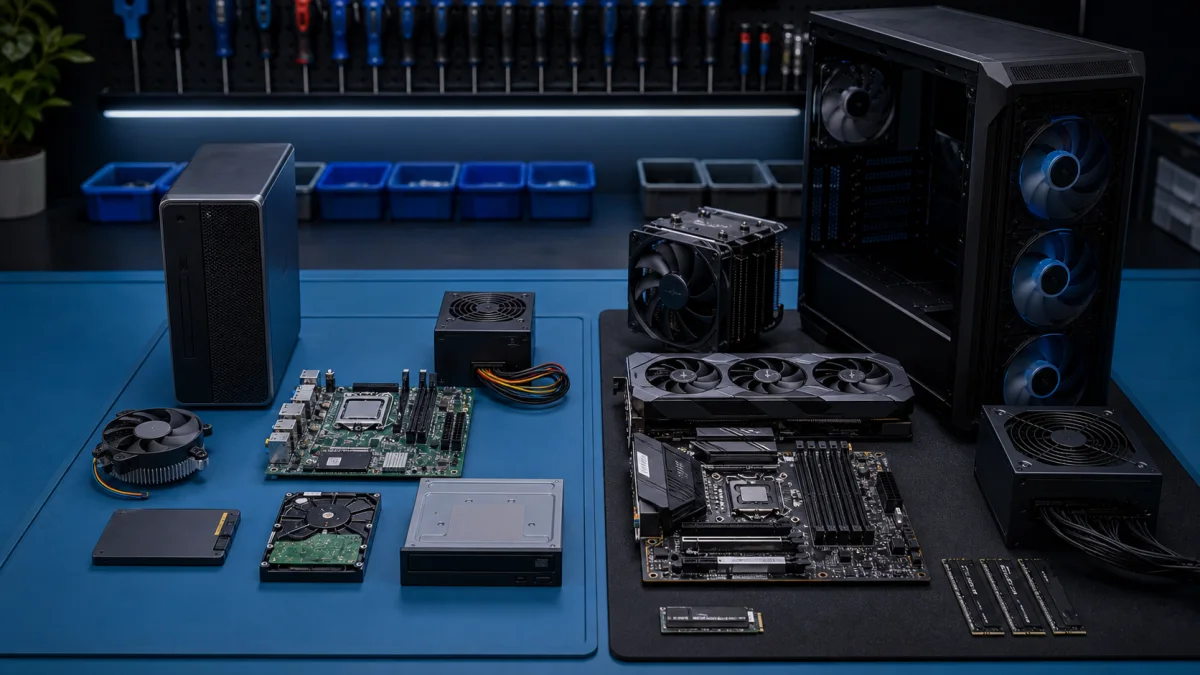
Choosing Between Office PCs and Gaming PCs: A Comprehensive Guide

Office PCs vs. Gaming PCs: How to Choose the Best One for You Understanding the differences between gaming PCs and office PCs will help you select the best computer for your needs. Office PCs are better suited for simple office chores like word processing and emailing, whereas gaming PCs are built t...

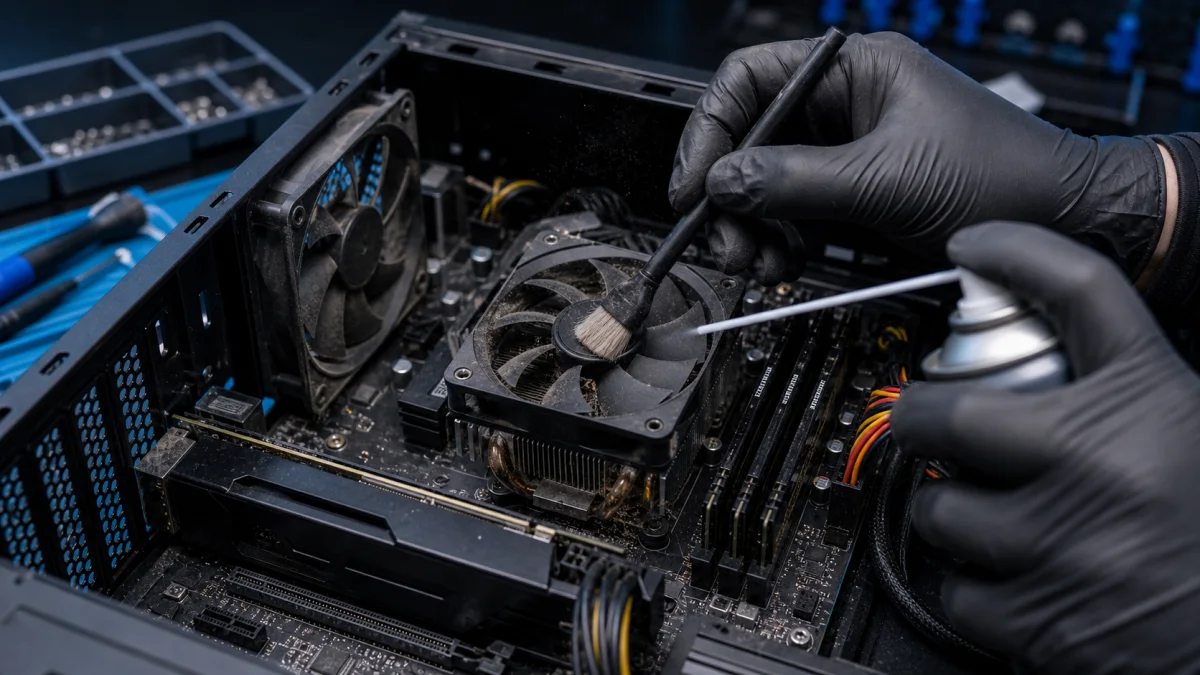
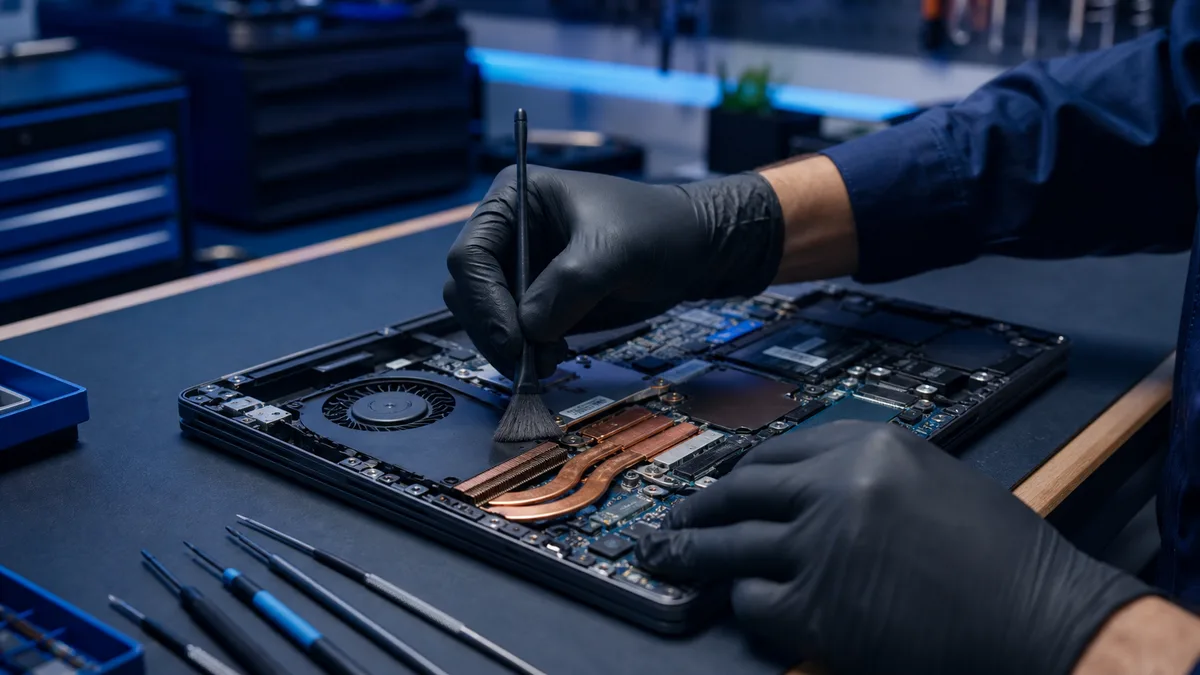
Cleaning your computer from dust

Professional Computer and Laptop Dust Cleaning Service – Helsinki Keeping your computer free from dust is essential for maintaining performance, preventing overheating, and extending the lifespan of components. At Bitmaster Helsinki, we provide professional laptop cleaning services and PC dust clean...

Computer maintenance

Basic maintenance of a computer is important to keep its performance good and ensure its reliability. Here are some basic maintenance tasks for a computer: Keep the exterior of the computer clean from dust and debris. You can use a dusting cloth or a vacuum cleaner with a small attachment.Clean the...

Computer won't start - Tips and instructions for troubleshooting

Sometimes computers can be disappointing when they don't start up as they should. Here are various reasons why a computer may not start up, and we provide tips on how you can fix the problem. Computer won't start from the power buttonIf your computer doesn't start from the power button, the first th...

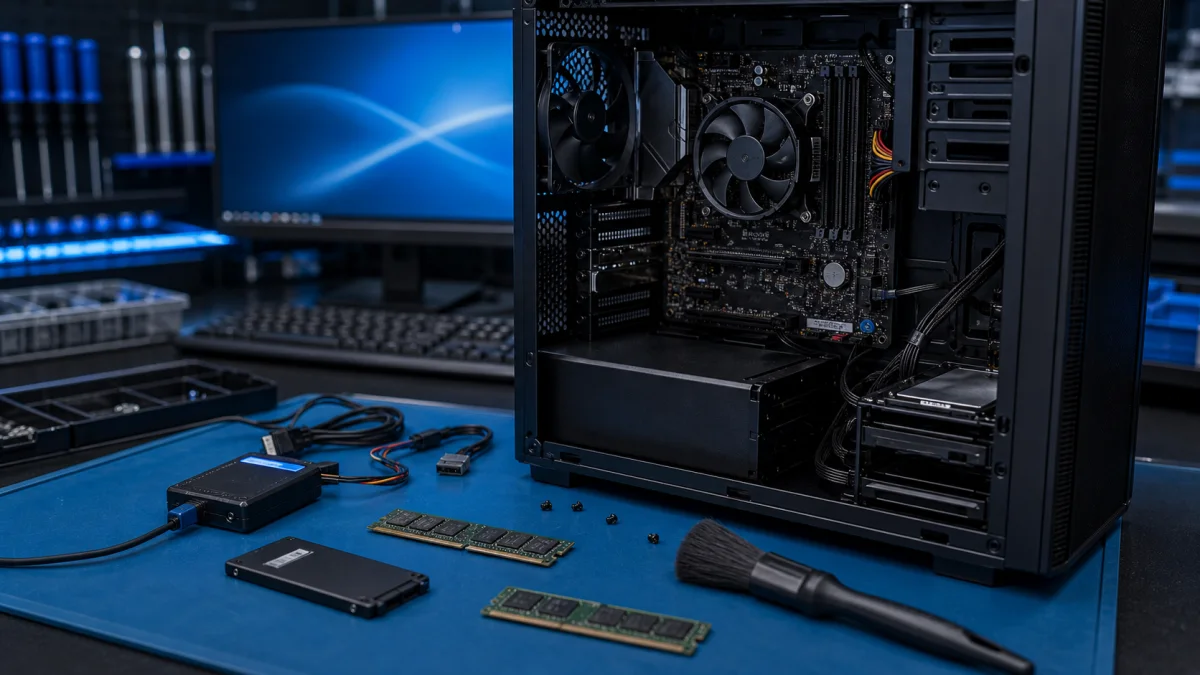
Installing a computer

Computer installation refers to creating a new computer system from scratch or upgrading an existing system to a new level. This may sound like a complicated task, but it is one of the most important things you can do to get the most out of your computer. The installation process usually begins with...

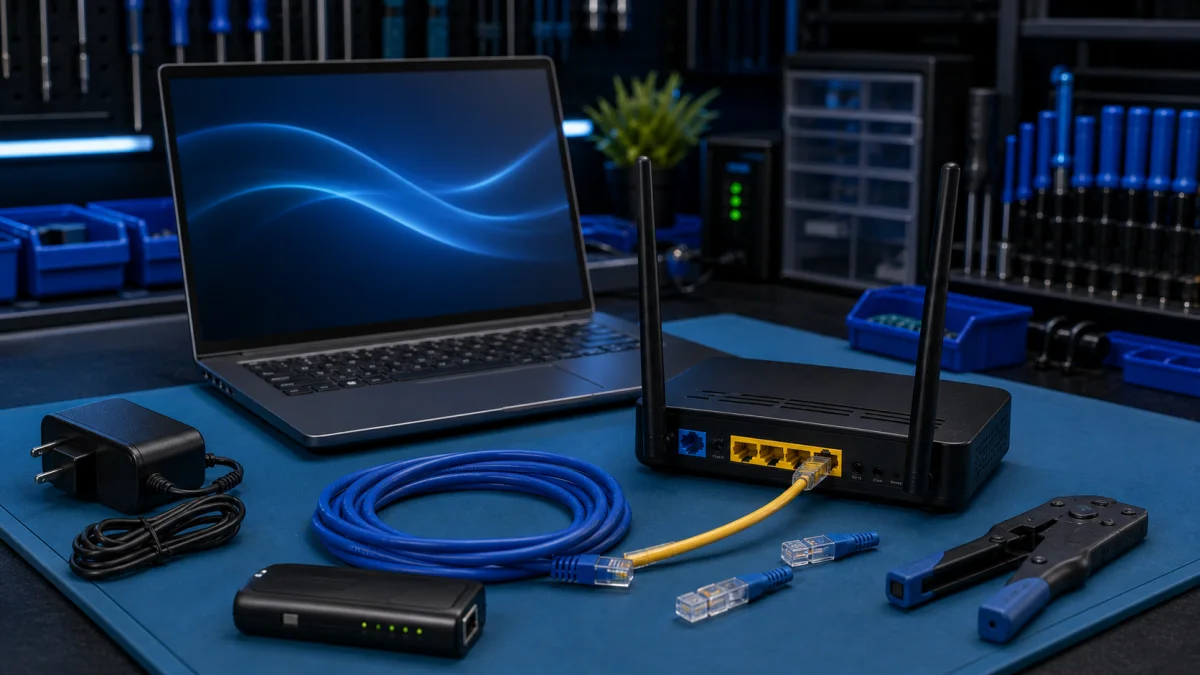
installing broadband

Installing broadband may seem complicated, but it's usually fairly easy and quick as long as you follow a few basic guidelines. Choose a provider: The first step in installing broadband is to choose a provider. Check that the provider is available in your area and choose a plan that fits your needs...

Parts Of A Computer And Their Functions

A computer has several different components, each of which performs a specific task for the operation of the computer. Below is a list of the most common computer components: Processor (CPU) - performs computer programs and calculations.Motherboard - connects all computer components together.Memory...

slow computer

Improving the speed of your computer can be beneficial for many reasons, such as better performance for programs or games, or to enhance your overall user experience. Here are some tips to help you speed up your computer: Upgrade hardware, such as adding more RAM or upgrading the processor. Remove u...

Thermal paste replacement

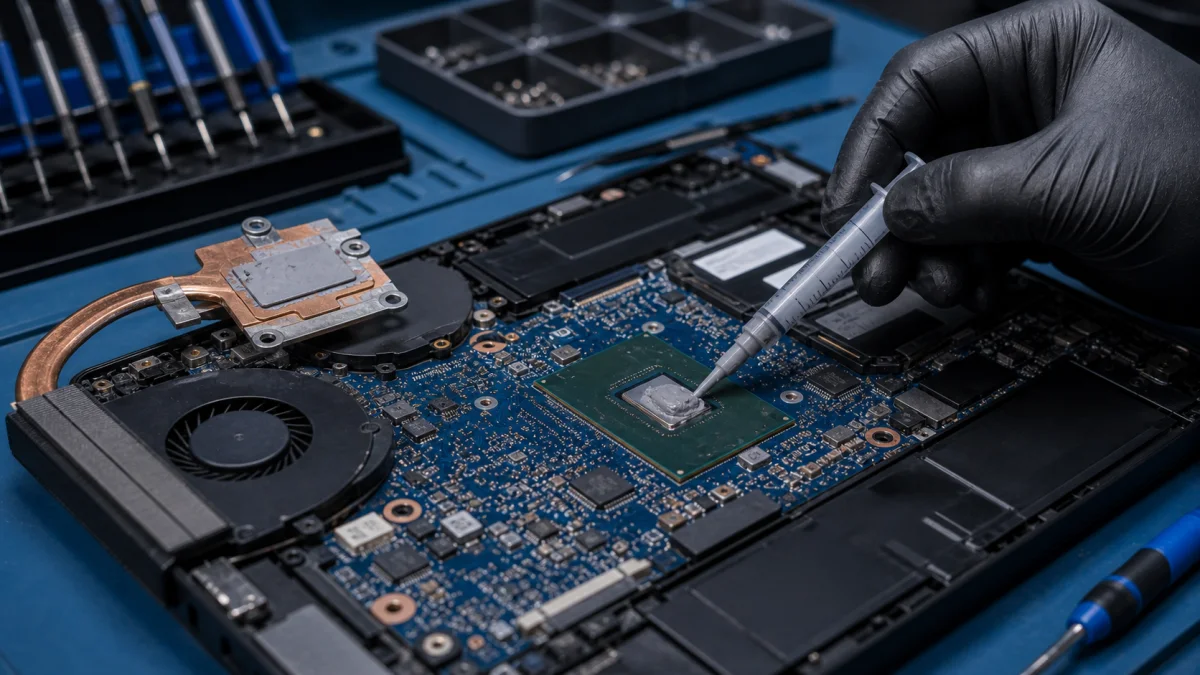
Computer processor thermal pastes are usually replaced for two main reasons: Improved heat conductivity: The processor thermal paste is a substance that is applied between the processor and the cooling system. Its purpose is to enhance heat conductivity. Over time, the thermal paste can dry out, har...

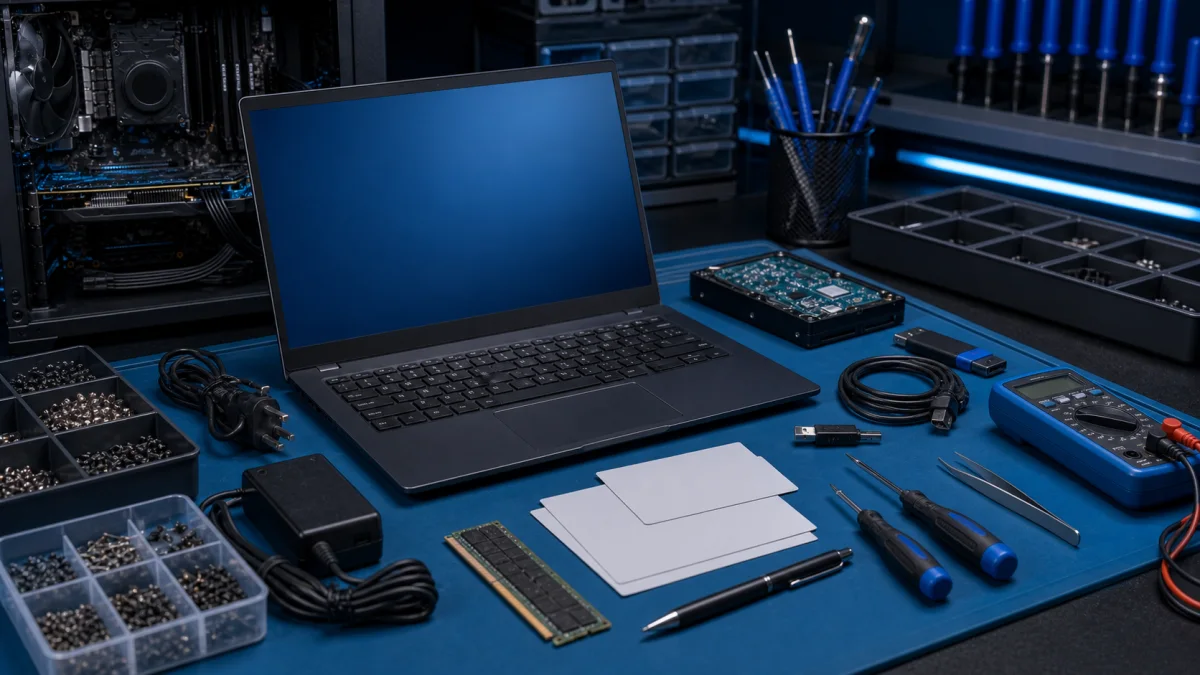
Troubleshooting computer problems

Troubleshooting and repairing a computer can sometimes be challenging, but it is important in order for your computer to operate reliably and efficiently. The process of troubleshooting a computer problem usually begins with identifying the issue and determining its cause. This can be done through m...