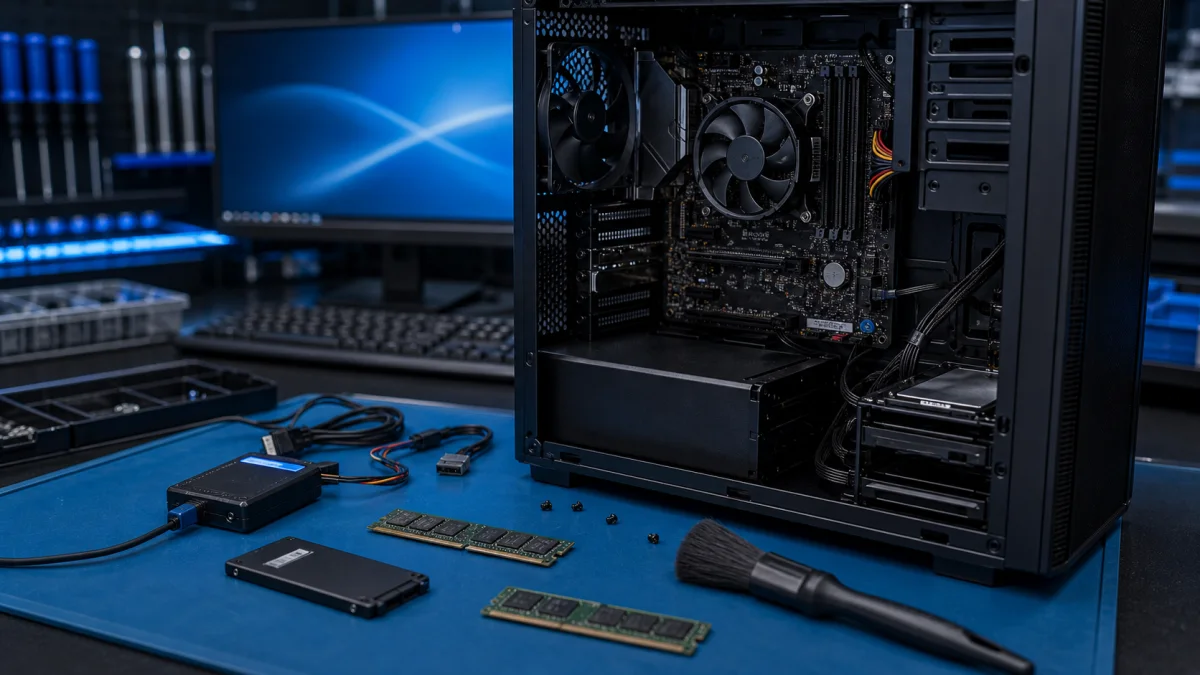
How to speed up a slow computer
Improving the speed of your computer can be beneficial for many reasons, such as better performance for programs or games, or to enhance your overall user experience. Here are some tips to help you speed up your computer:
Is the computer suddenly slower than before?
Tell us when the slowdown started and whether it affects startup, all programs or only certain tasks. This helps narrow down the cause.
Ask about a slow computer
- Upgrade hardware, such as adding more RAM or upgrading the processor.
- Remove unnecessary files and programs to free up space on your hard drive.
- Update your computer's hardware drivers to the latest version.
- Restart your computer regularly.
- Install a reliable antivirus program and keep it up to date.
- Use less resource-intensive programs.
By following these tips, you can significantly speed up your computer and improve its performance. However, remember that the speed of your computer may also depend on how you use it and what kind of programs and files you use on it.
Find out what is actually slowing the computer down
A slow computer does not automatically need a new processor or more memory. Slow startup may point to storage or Windows, while slowdown under load can be caused by heat, insufficient memory or a background process. If files open unusually slowly or the drive disconnects, secure important data before running repair tools.
When an upgrade is worthwhile
An SSD and adequate memory can extend the useful life of an otherwise suitable computer. An upgrade is less sensible when several components are failing, the operating system is no longer supported or repair would cost too much compared with a suitable replacement. Diagnose first, then choose the smallest effective change.
See also whether an SSD upgrade or a new computer is the better option.
A diagnosis prevents unnecessary upgrades
We check Windows, storage health, temperatures and memory before recommending repair, an SSD upgrade or replacement.
Bring the computer for diagnosis