Components

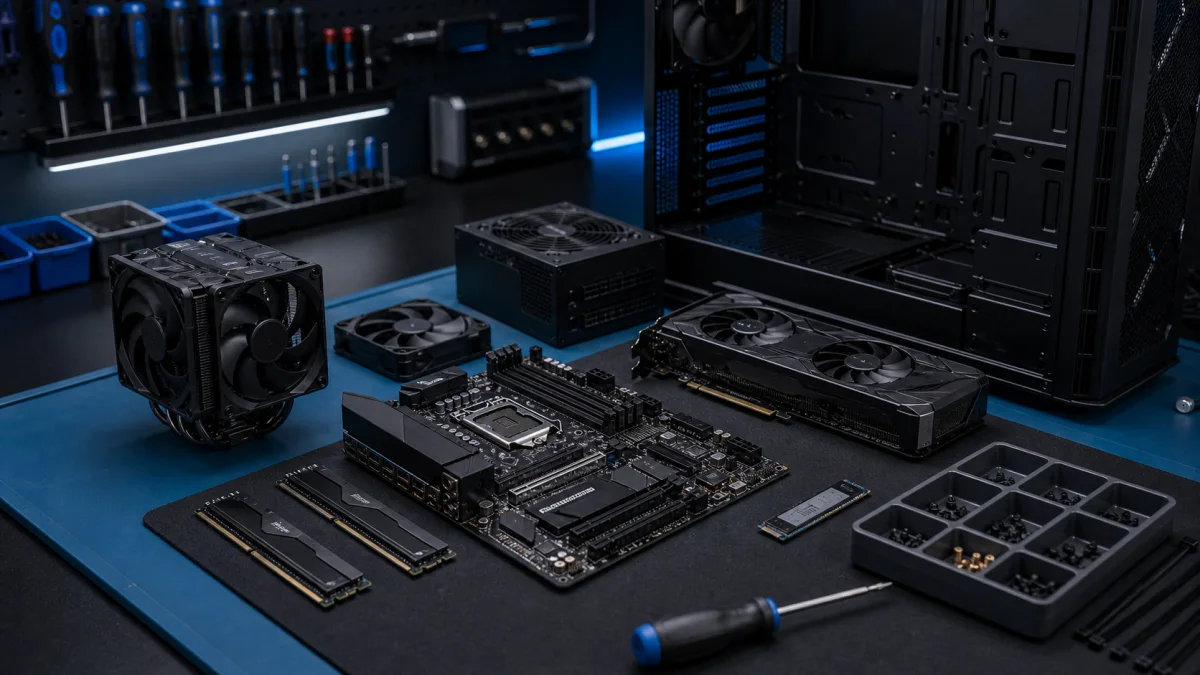
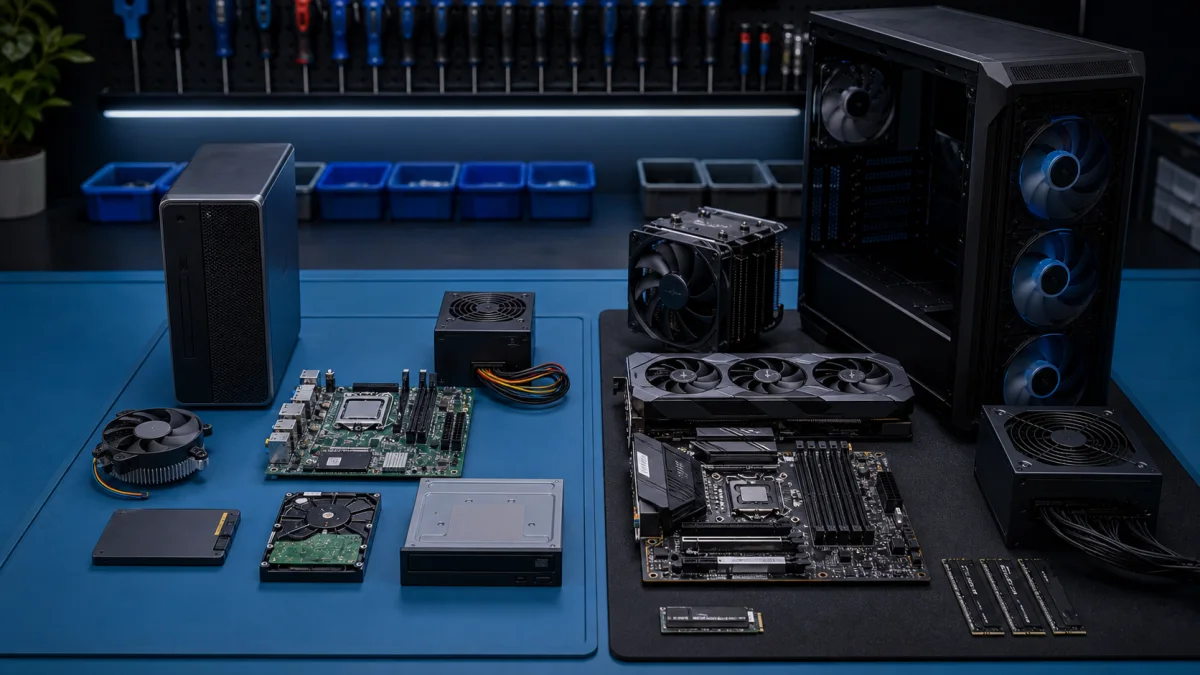
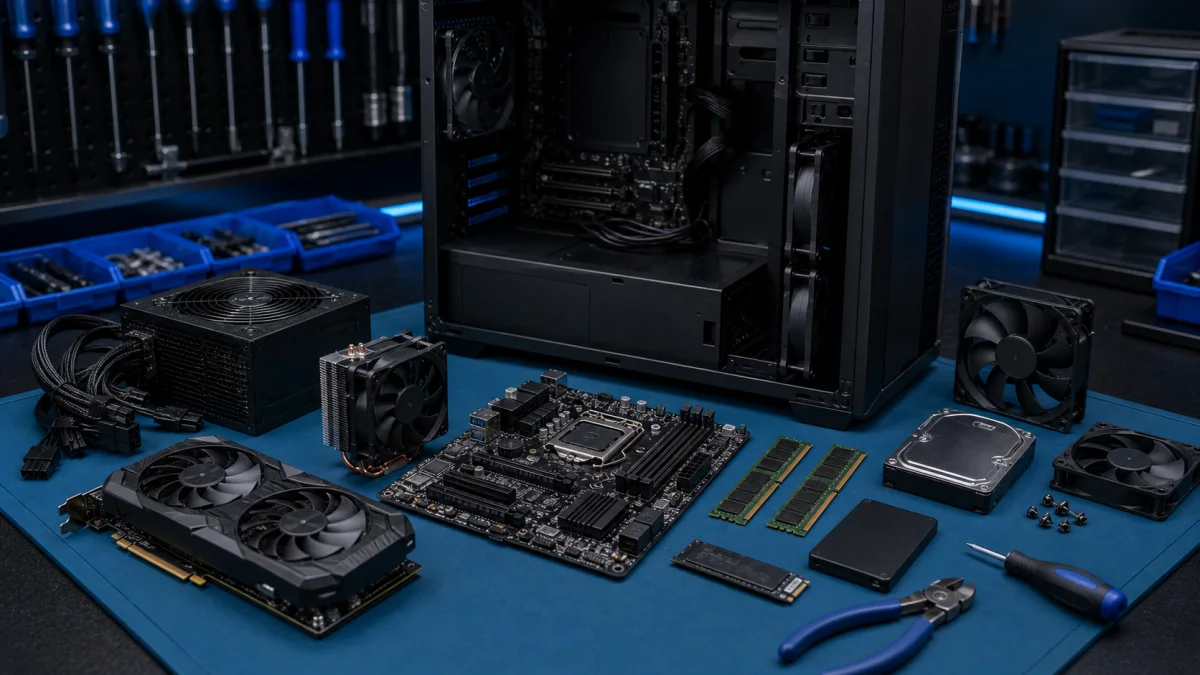
Computer components decide what a machine can do and whether it is still worth upgrading. Memory, storage, power supply, graphics card and motherboard all affect the whole system.

Below you will find articles about choosing parts, replacing components and finding hardware faults. If you do not know which part is slowing the computer down, start here.

Charger Not Working

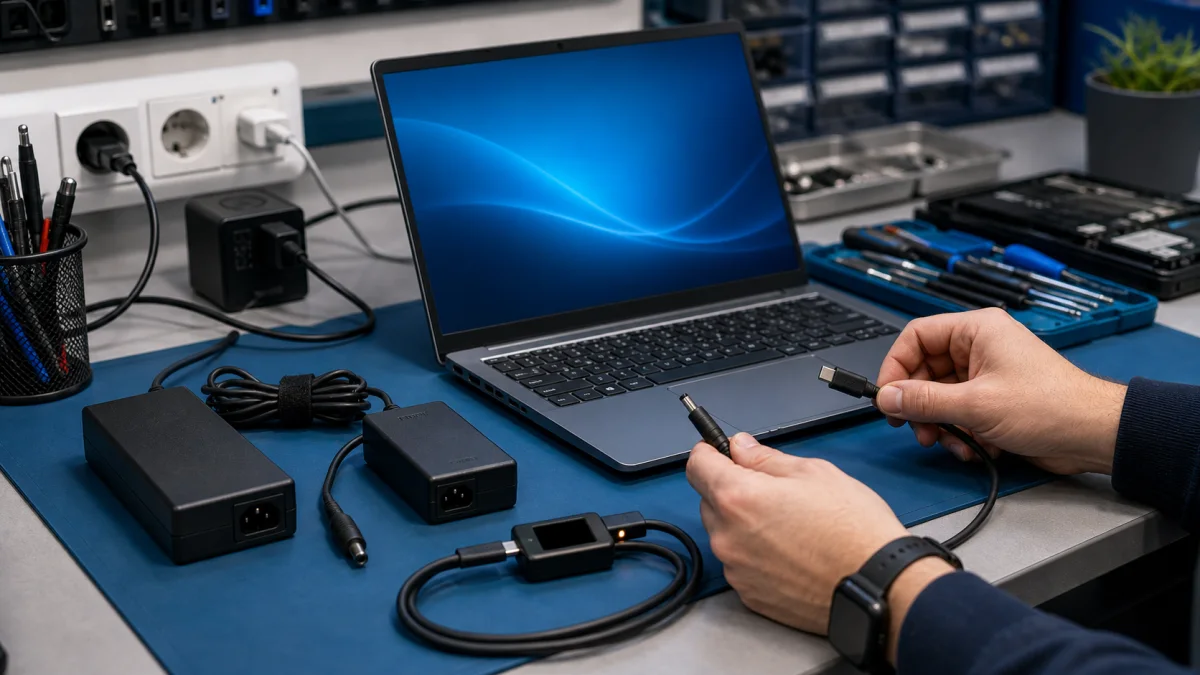
Here are the steps to determine if your laptop charger is broken or functional: Change the power outlet: Plug the charger into a different power outlet that is known to be working properly. If your laptop charges when connected to a different outlet, the issue is likely not with your computer or cha...

Choosing and Assembling Computer Components

When it comes to selecting computer components, there are several important factors to consider. Here are a few guiding factors: Budget: Determine how much you're willing to invest in a computer. More powerful components like a faster processor, a quality graphics card, and larger amounts of memory...

Choosing Between Office PCs and Gaming PCs: A Comprehensive Guide

Office PCs vs. Gaming PCs: How to Choose the Best One for You Understanding the differences between gaming PCs and office PCs will help you select the best computer for your needs. Office PCs are better suited for simple office chores like word processing and emailing, whereas gaming PCs are built t...

Cleaning your computer from dust

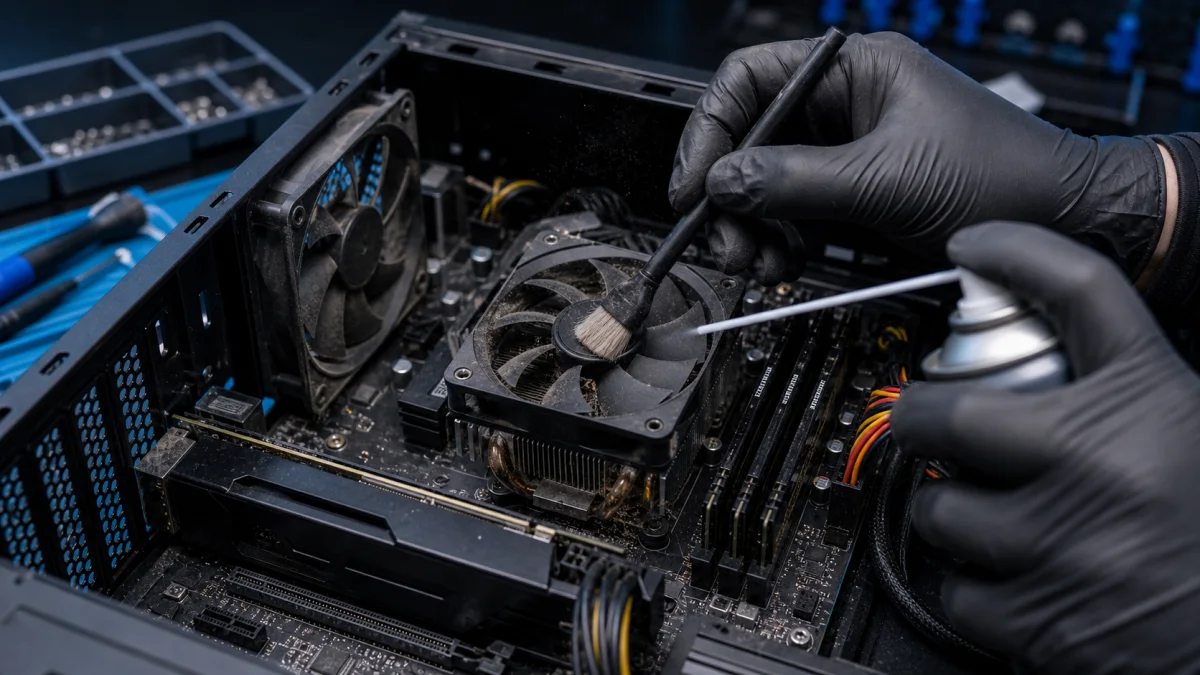
Professional Computer and Laptop Dust Cleaning Service – Helsinki Keeping your computer free from dust is essential for maintaining performance, preventing overheating, and extending the lifespan of components. At Bitmaster Helsinki, we provide professional laptop cleaning services and PC dust clean...

Computer maintenance

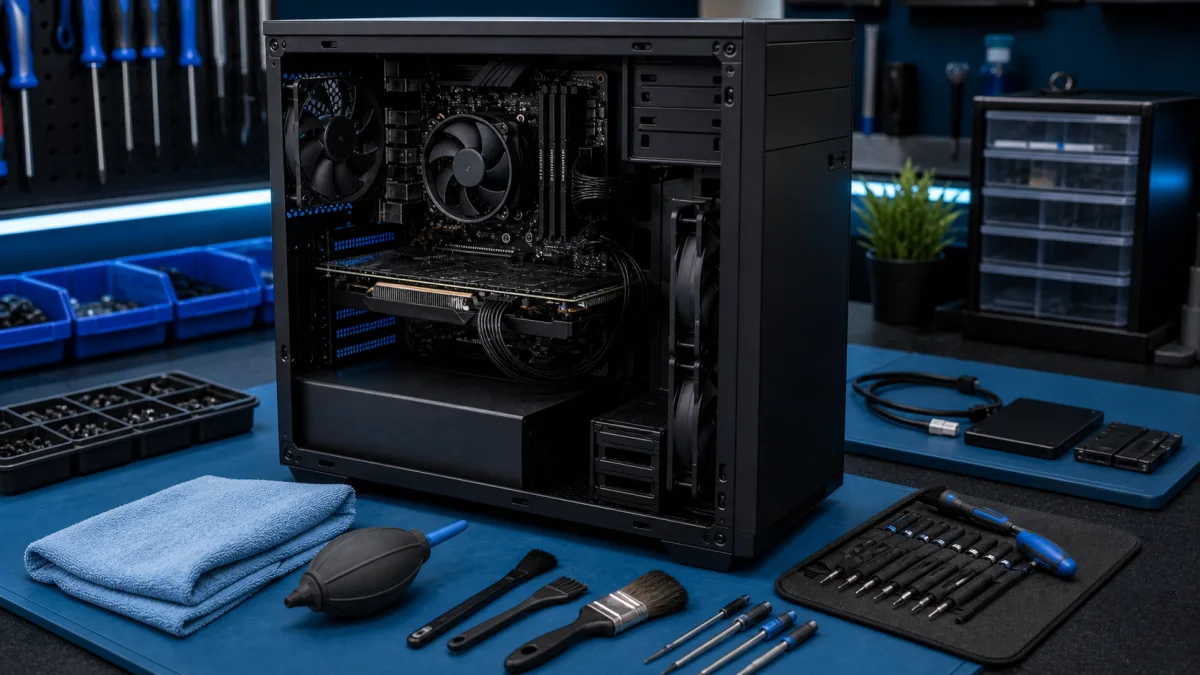
Basic maintenance of a computer is important to keep its performance good and ensure its reliability. Here are some basic maintenance tasks for a computer: Keep the exterior of the computer clean from dust and debris. You can use a dusting cloth or a vacuum cleaner with a small attachment.Clean the...

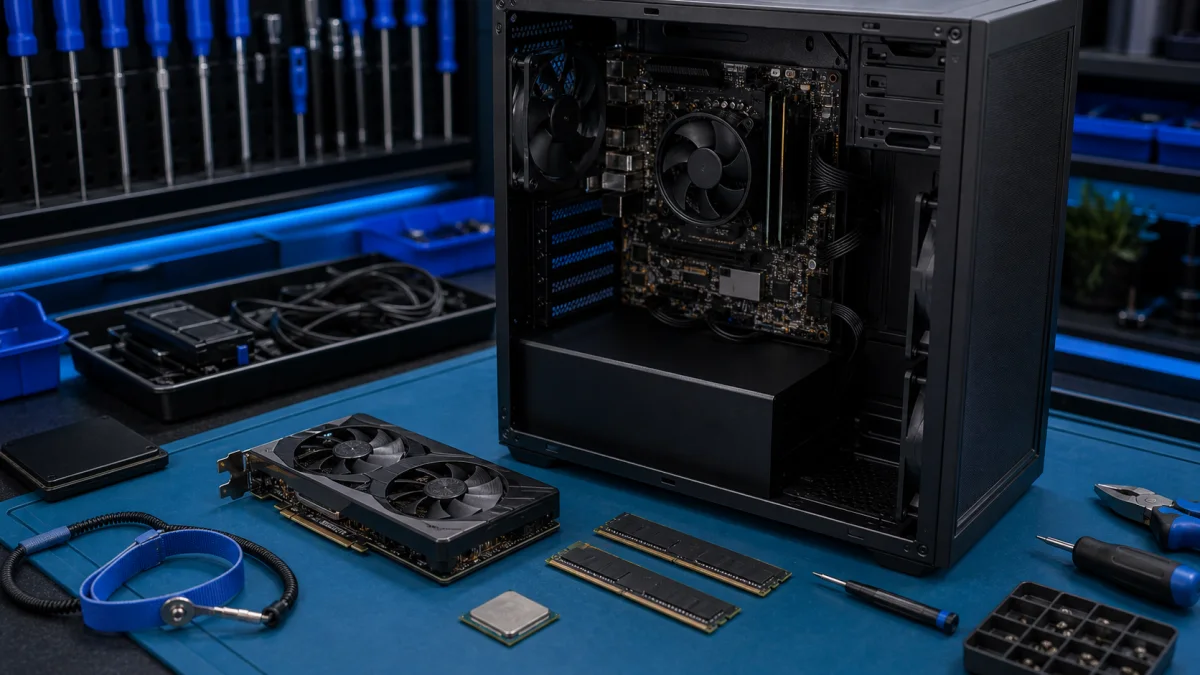
How to Install PC Components

Installing computer components requires accuracy and care to avoid damage to both the hardware and the computer itself. Below is a general overview of how component installation is typically done. Turn off the computer and disconnect it from the power source. Open the computer case, usually secured...

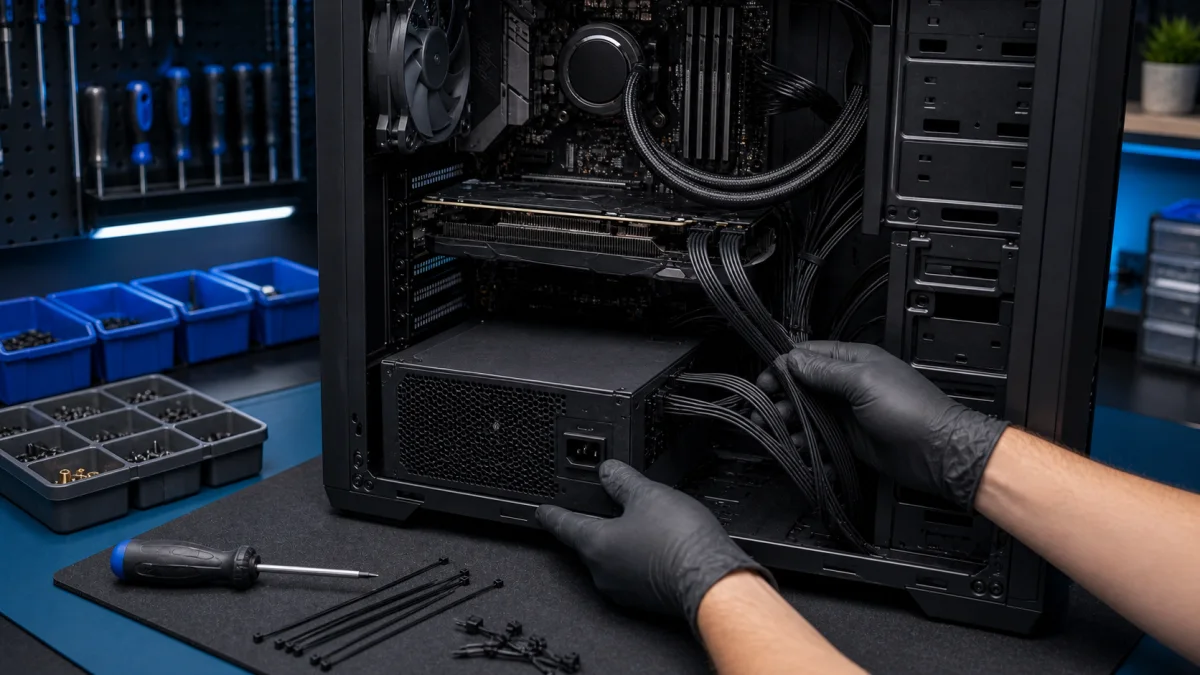
Install a Desktop Power Supply

Installing a computer power supply is a relatively straightforward task that requires careful attention. Replacing the power supply can enhance your computer's performance and stability, but it's essential to be cautious and follow the instructions diligently. If you're uncertain about your skills,...

Keyboard not working

Here are some possible reasons why a keyboard may not be working and some suggestions for what to do: Loose connection: Check to make sure that the keyboard is properly connected to the computer or device it's supposed to be working with. If it's a wired keyboard, make sure the USB cable is securely...

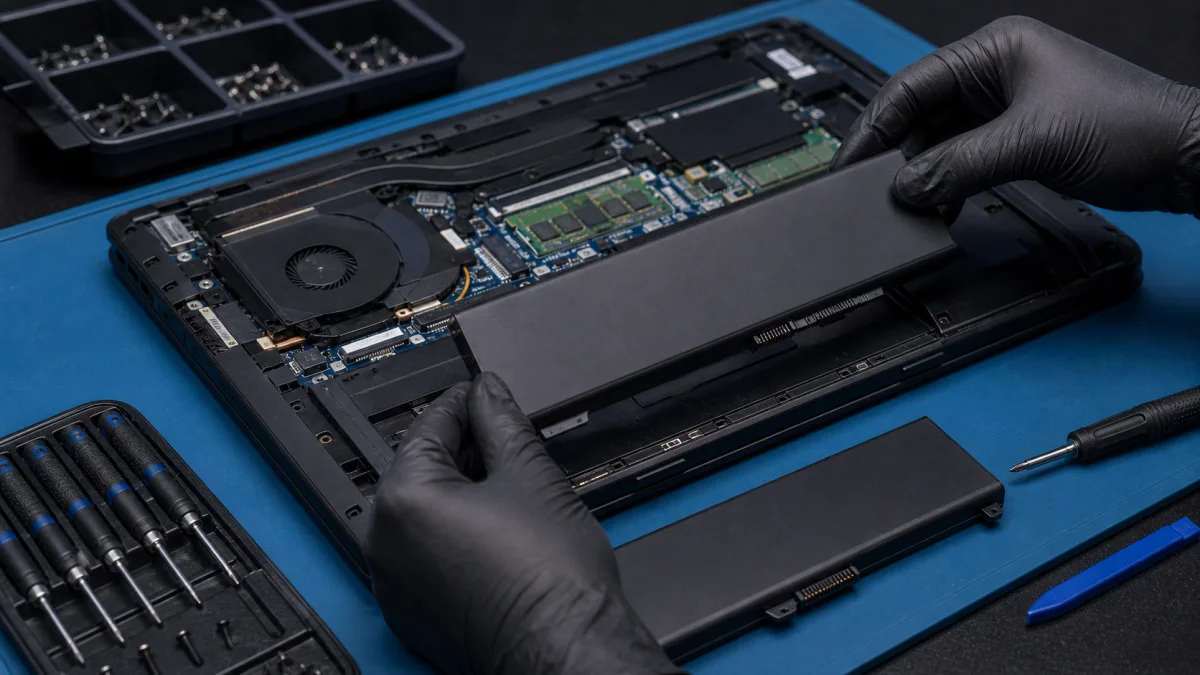
Laptop Battery Replacement in Helsinki

Is your laptop battery draining fast, not charging properly, or shutting down without warning? At Bitmaster PC Repair, we help customers in Punavuori, Helsinki determine whether a laptop battery replacement is the right solution — and if so, what battery is actually needed. We do not keep laptop bat...

Parts Of A Computer And Their Functions

A computer has several different components, each of which performs a specific task for the operation of the computer. Below is a list of the most common computer components: Processor (CPU) - performs computer programs and calculations.Motherboard - connects all computer components together.Memory...

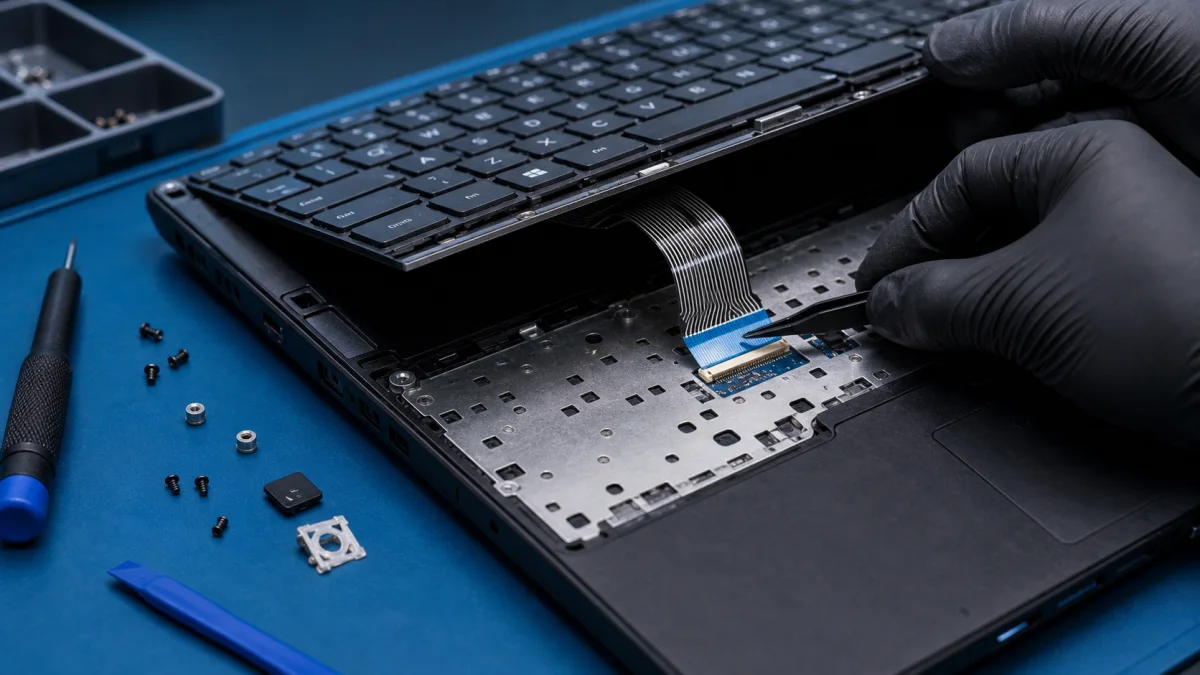
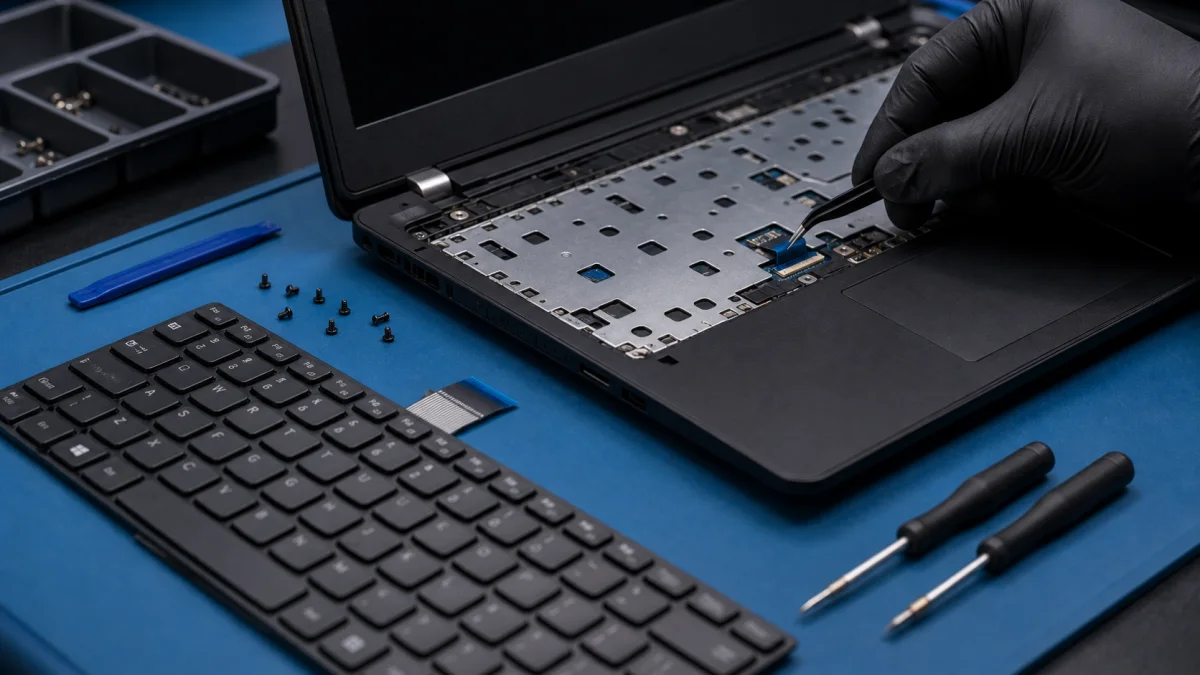
Replace laptop keyboard

The keyboard of a laptop can stop working due to various reasons. Laptop keyboards are susceptible to many different types of failures, such as dirt accumulation, mechanical damage, and incompatibility. While some of these issues can be fixed, sometimes the only solution is to replace the entire key...

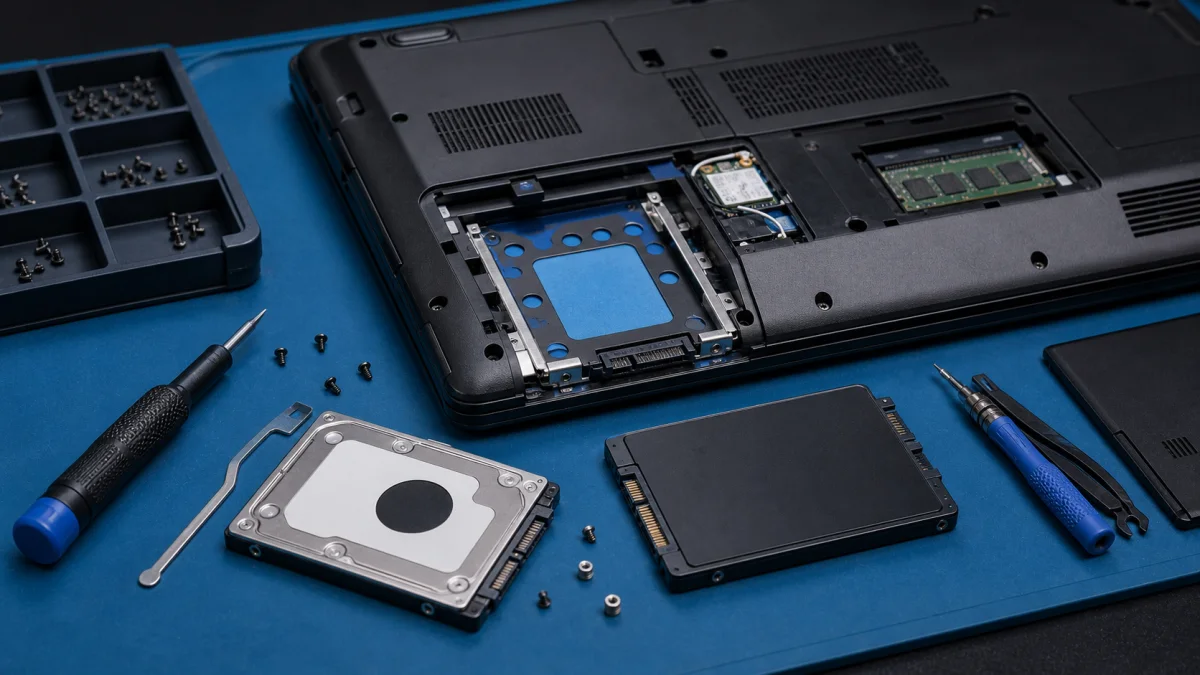
Replacing laptop Hard Drive

Replacing a hard drive in a laptop is relatively easy, but it requires certain precautions and tools. Here are a few general steps you can follow to replace the hard drive in your laptop: Make sure the computer is turned off and disconnect all cables. Locate the hard drive release point on the botto...

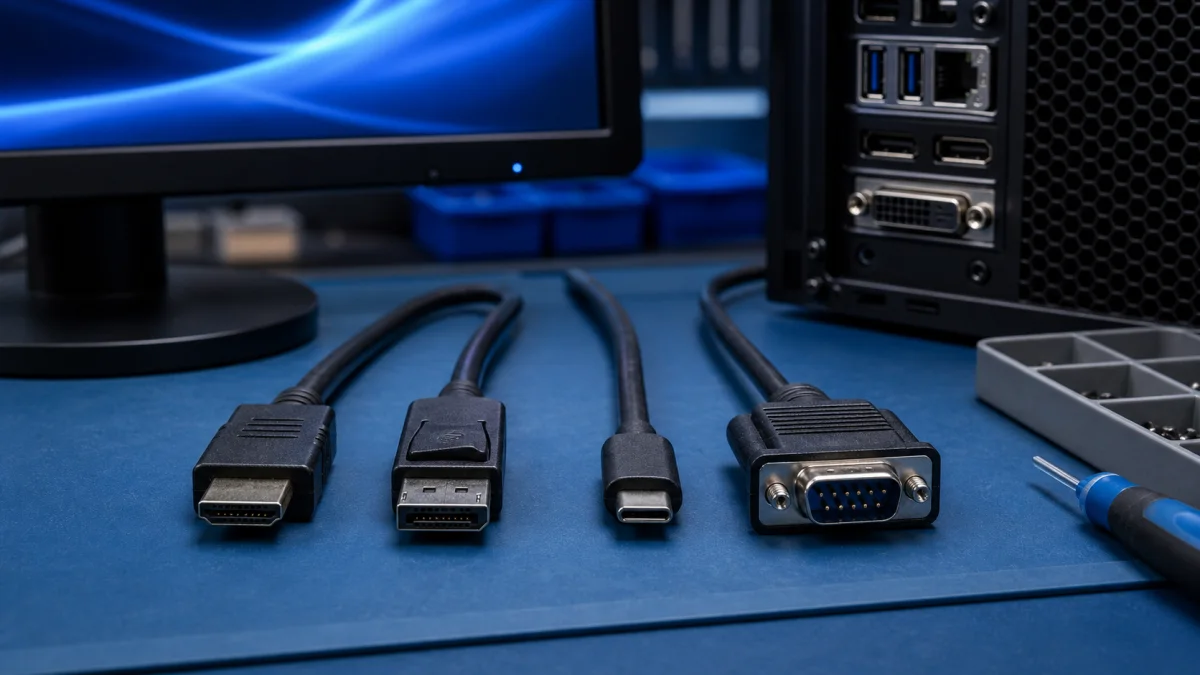
Right Cable for Computer

To connect your monitor to your computer, you can use several different cables depending on the available ports and the desired quality of the image and sound. The most common options are: HDMI cable: HDMI is a common and user-friendly option that supports both audio and video in the same cable. Mos...

Thermal paste replacement

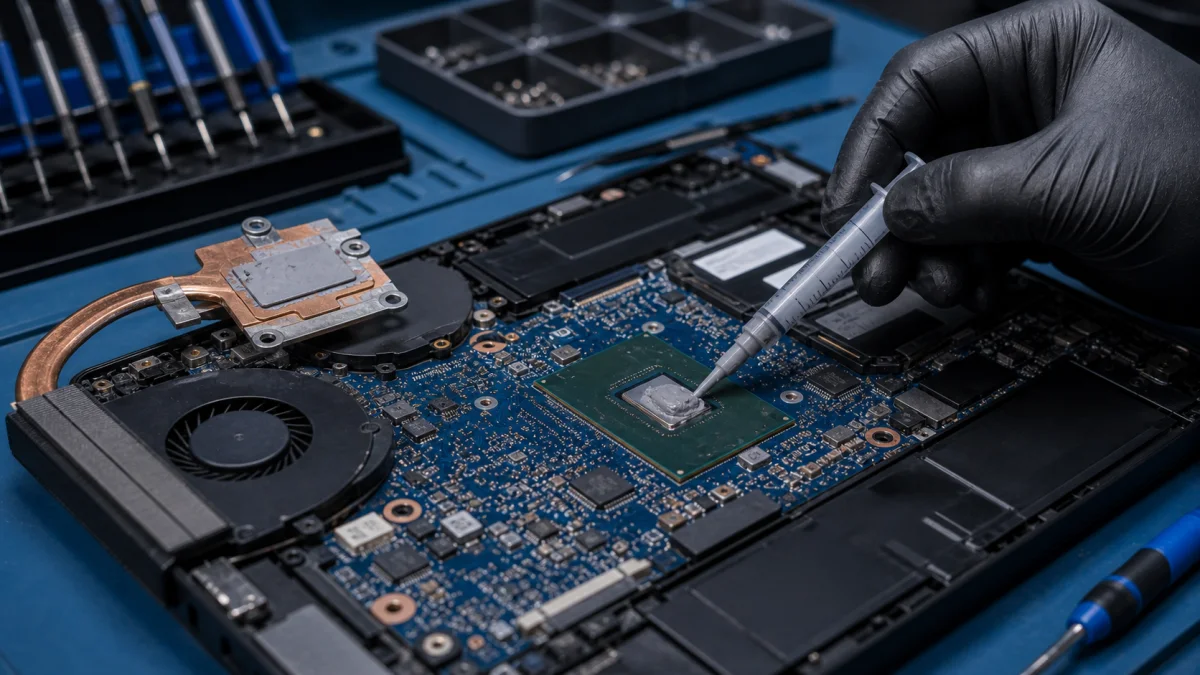
Computer processor thermal pastes are usually replaced for two main reasons: Improved heat conductivity: The processor thermal paste is a substance that is applied between the processor and the cooling system. Its purpose is to enhance heat conductivity. Over time, the thermal paste can dry out, har...