Virus and Malware Removal – Windows Computer Check in Helsinki
Is your Windows computer suddenly slow, opening strange browser pages, showing unusual pop-ups or disabling antivirus protection by itself? These can be signs of malware, unwanted software or a browser hijacker. Not every slow computer is infected, but if the symptoms started suddenly, it is worth checking before using online banking, email or work accounts on the same device.
Bitmaster checks Windows computers for viruses, malware and unwanted programs in Punavuori, Helsinki. We find out whether the problem can be fixed with cleanup, whether Windows needs repair, or whether a clean reinstall is the safer option. Before paid work starts, we explain what we found and what the realistic next step is.
Is your computer infected?
Describe the symptoms or bring the computer in for a check.
Signs your computer may have malware
Many customers come to us because the computer feels “infected”, but the real cause can also be a failing drive, too many startup programs or a damaged Windows installation. That is why we first check the symptoms instead of assuming the worst.
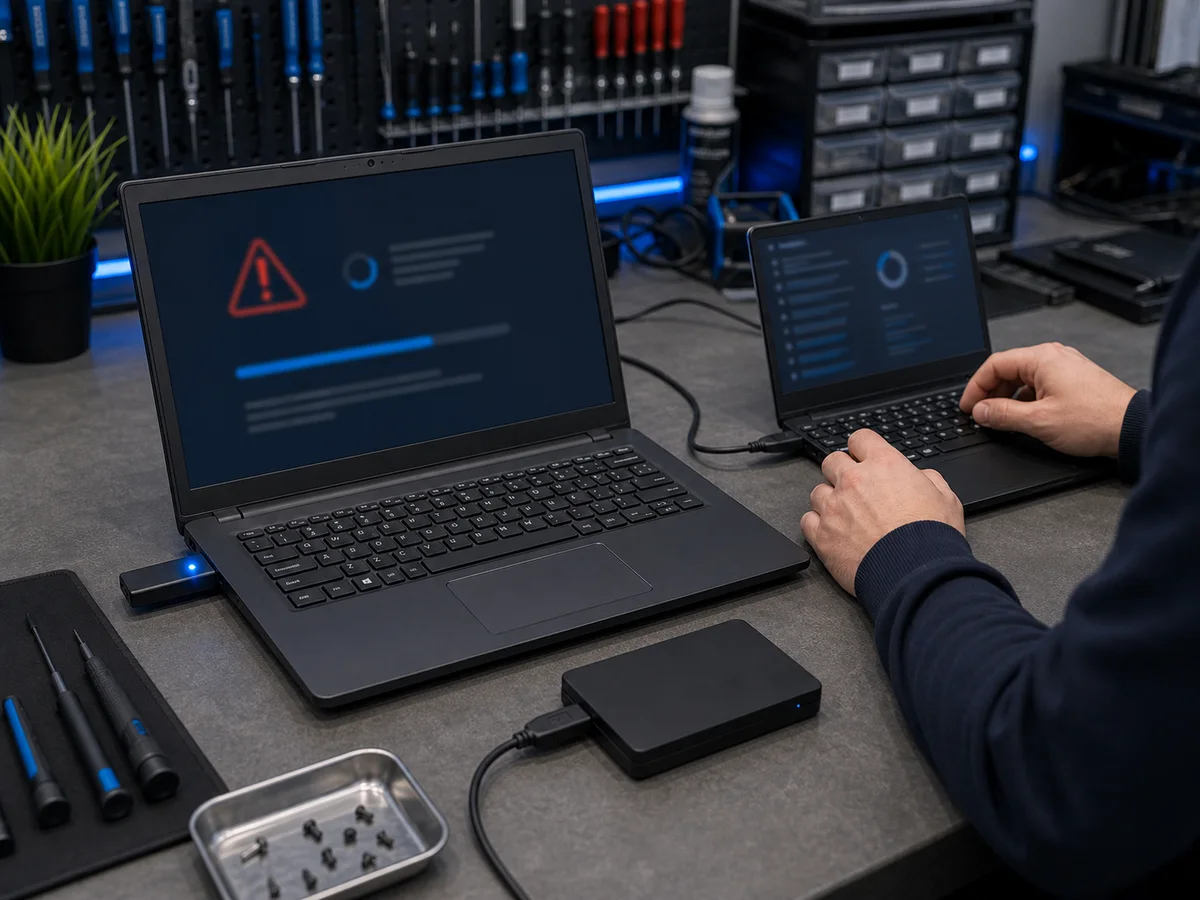
Common warning signs include:
- Windows has become much slower without a clear reason
- The browser opens unknown pages or redirects searches
- Unusual ads, pop-ups or toolbars appear
- Microsoft Defender or another antivirus is turned off and will not stay on
- Unknown programs appear in the taskbar or startup list
- Files disappear, change names or become locked
- Windows crashes or shows error messages more often than before
- You clicked a suspicious link or opened an unknown attachment
- You are unsure whether online banking is safe on this computer
If you suspect malware, avoid banking, email logins and password changes on that computer until it has been checked. If passwords may have been stolen, change them from another trusted device.
What we check during malware removal
We do not rely on just one antivirus scan. A single scan can miss browser hijackers, unwanted startup items or scheduled tasks that bring the problem back after restart.
When you bring the computer in, we typically check:
- running processes and startup items
- browser extensions, homepage and search engine settings
- Microsoft Defender and Windows Security status
- recently installed suspicious programs
- scheduled tasks and background services
- temporary files and unwanted software leftovers
- whether Windows itself is damaged or unstable
- whether important files need to be backed up before deeper repair
In simple cases, cleanup is enough. If Windows has been badly damaged or the same infection keeps returning, a clean Windows reinstall can be safer and faster than trying to patch every symptom separately.
Can you remove a virus yourself?
Some light browser problems can be fixed at home. For example, removing unknown browser extensions, resetting the browser and running a trusted malware scanner may help. This is usually safe if the computer still works normally and your important files are backed up.
Professional help is a better option if antivirus protection keeps turning off, malware returns after removal, files are locked, Windows will not start properly, or the computer contains important work, school or business files. In those cases, too much experimenting can make recovery harder.
Ransomware and locked files
Ransomware is more serious than ordinary adware or browser malware. It locks or encrypts files and demands payment. If this happens, do not rush to pay. Payment does not guarantee that the files will be restored.
If files have been encrypted, stop using the computer as soon as possible and bring it in for assessment. We can check whether files can be restored from backups, shadow copies or other recoverable sources. In some cases recovery is possible; in others the realistic option is to secure the computer and restore from a backup.
What happens to your data?
We do not delete personal files without your permission. Malware removal may involve deleting infected programs, cleaning browser settings, repairing Windows or reinstalling the system, but we explain the data risk before doing anything that affects your files.
If a clean Windows reinstall is needed, we first check whether important files can be backed up. If the drive itself is failing or infected files are involved, we handle the data separately and tell you what is realistic before continuing.
Virus and malware removal prices
The price depends on the severity of the infection and the condition of Windows. Typical price ranges:
- Basic malware check and removal: usually €69–149
- Browser cleanup and settings repair: usually €49–89
- Clean Windows reinstall: usually €89–149
- Backup or file transfer before reinstall: usually €49–129
- Data recovery from an infected or damaged drive: usually €100–400 depending on the case
We agree an estimate when the device is received. If the work can be completed within that estimate, we carry it out. If the estimate would be exceeded or substantially more work is needed, we contact you before continuing. If cleanup is not worth doing and a reinstall or replacement computer makes more sense, we say that directly.
When is a clean Windows reinstall better?
Malware cleanup is not always the best solution. If Windows is badly damaged, full of unknown software or unstable after several failed repair attempts, reinstalling Windows can save time and give a cleaner result.
A clean reinstall is often the better option when:
- malware returns after removal
- Windows security settings are broken
- the computer crashes or fails to update
- there are many unknown programs installed
- the user wants a clean and reliable starting point
Before reinstalling, we check whether files should be backed up and whether the computer is otherwise worth repairing. If the device is very old or has hardware problems, we may recommend data backup instead of spending too much on software repair.
How to protect the computer after cleanup
After cleanup, the goal is not just to remove the current problem but to reduce the chance of it coming back. For most home users, Microsoft Defender is enough when Windows is updated and the user avoids risky downloads.
- Keep Windows updates enabled
- Use Microsoft Defender or another trusted antivirus
- Do not install software from unknown download sites
- Be careful with email attachments and login links
- Use strong, unique passwords
- Enable two-factor authentication for important accounts
- Keep backups in at least one place outside the computer
For business customers, we can also help with safer workstation setup, backup planning and basic endpoint protection for multiple Windows computers.
Frequently asked questions
How long does virus removal take?
Simple malware cleanup is often completed the same or next business day. If Windows is badly damaged or files need to be backed up before reinstalling, it can take longer.
Can you recover files after a virus attack?
Often yes, if the files are still readable and have not been overwritten or strongly encrypted. We check the situation first and explain realistically what can be recovered.
Do I need to buy antivirus software?
Usually not. Microsoft Defender is enough for many home users when Windows is up to date and the computer is used sensibly. We do not recommend extra paid software unless there is a clear reason.
Can you help if my email account was hacked?
We can check the computer for malware that may have stolen login details and help secure the device. Account recovery itself depends on the email provider, but the computer should be checked before using it again for important logins.
What if the computer does not start?
We can still check it. If Windows does not start, we can examine the drive outside the normal Windows environment and assess whether the problem is malware, a damaged system or hardware failure.
Virus and malware removal in Helsinki
Bitmaster is located in Punavuori, Helsinki, at Pursimiehenkatu 16. You can bring your Windows computer in during opening hours without an appointment. Tell us what happened, when the symptoms started and whether you have important files on the device.
We check the situation first and recommend a sensible next step. Sometimes cleanup is enough. Sometimes a clean reinstall is better. If the computer is not worth repairing, we will tell you before you spend money on unnecessary work.
Need virus removal help in Helsinki?
Bring the device in or call us first.
09 174 746
Bitmaster, Pursimiehenkatu 16, Helsinki
Mon-Fri 10-18