Packard Bell Repair in Helsinki
Packard Bell laptops and desktops are often older computers, but many of them are still useful for everyday browsing, documents, photos or light office work. When a Packard Bell computer becomes slow, noisy, hot or stops starting, the important question is whether repair is still sensible.
At Bitmaster in Punavuori, Helsinki, we diagnose Packard Bell computers and explain the realistic options before repair work begins. In many cases the best solution is a storage drive replacement, Windows reinstall, data transfer or cooling service. Sometimes the honest answer is that the computer should be replaced instead.
Packard Bell computer not working?
Bring it to Bitmaster or call first. We check the fault and tell you whether repair is worthwhile.
Common Packard Bell problems
- Windows starts very slowly or does not start at all
- The computer freezes, restarts or shows disk errors
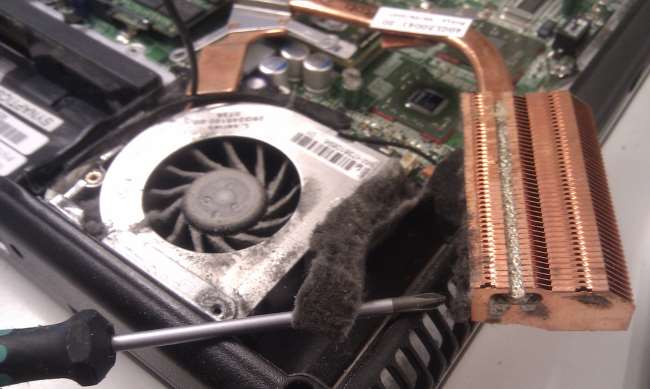
- The fan is loud or the laptop overheats
- The battery or charger no longer works reliably
- The hard drive needs to be replaced with an SSD
- Files need to be copied from an old computer to a newer one
Repair, upgrade or data transfer?
Older Packard Bell computers often benefit most from an SSD upgrade and a clean Windows installation, if the rest of the hardware is still healthy. If the device is too old for current use, we can usually still help with backing up files and transferring them to another computer.
We do not recommend spending money blindly on an old computer. We check the storage drive, cooling, memory and Windows condition first, then explain the practical choices.
Contact Bitmaster
Need Packard Bell repair in Helsinki?
Call or visit Bitmaster.
09 174 746
Bitmaster, Pursimiehenkatu 16, Helsinki
Mon-Fri 10-18

Still using a Packard Bell laptop or desktop computer? While the brand is no longer actively supported, many Packard Bell systems remain perfectly usable for web browsing, office work and everyday tasks.
When problems appear, they are usually related to aging storage drives, cooling systems, charging components or Windows itself rather than the original hardware design. At Bitmaster Helsinki, we continue to repair and maintain older Packard Bell computers and provide practical advice on whether repair is worthwhile.
If you're unsure what is causing the problem, describe the symptoms and the computer model. We agree an estimate when the device is received. We diagnose and repair within it; if the estimate would be exceeded, we contact you and explain the options before continuing.
Common Packard Bell Laptop & Desktop Problems
- Windows fails to start or crashes unexpectedly
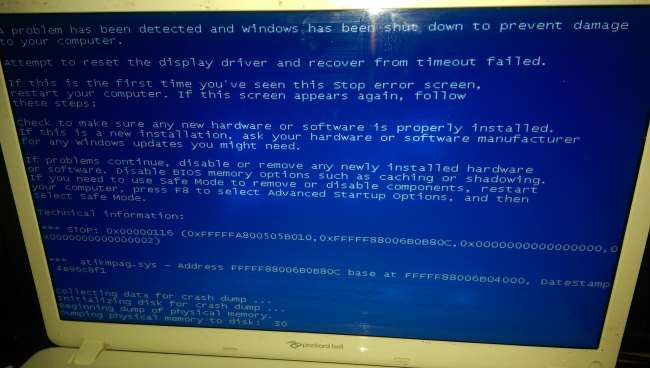
- Blue screen errors (BSOD)
- Hard drive or SSD failure
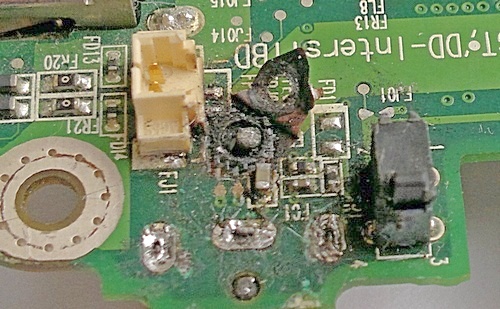
- Power connector or charging problems
- Loud fan noise or overheating
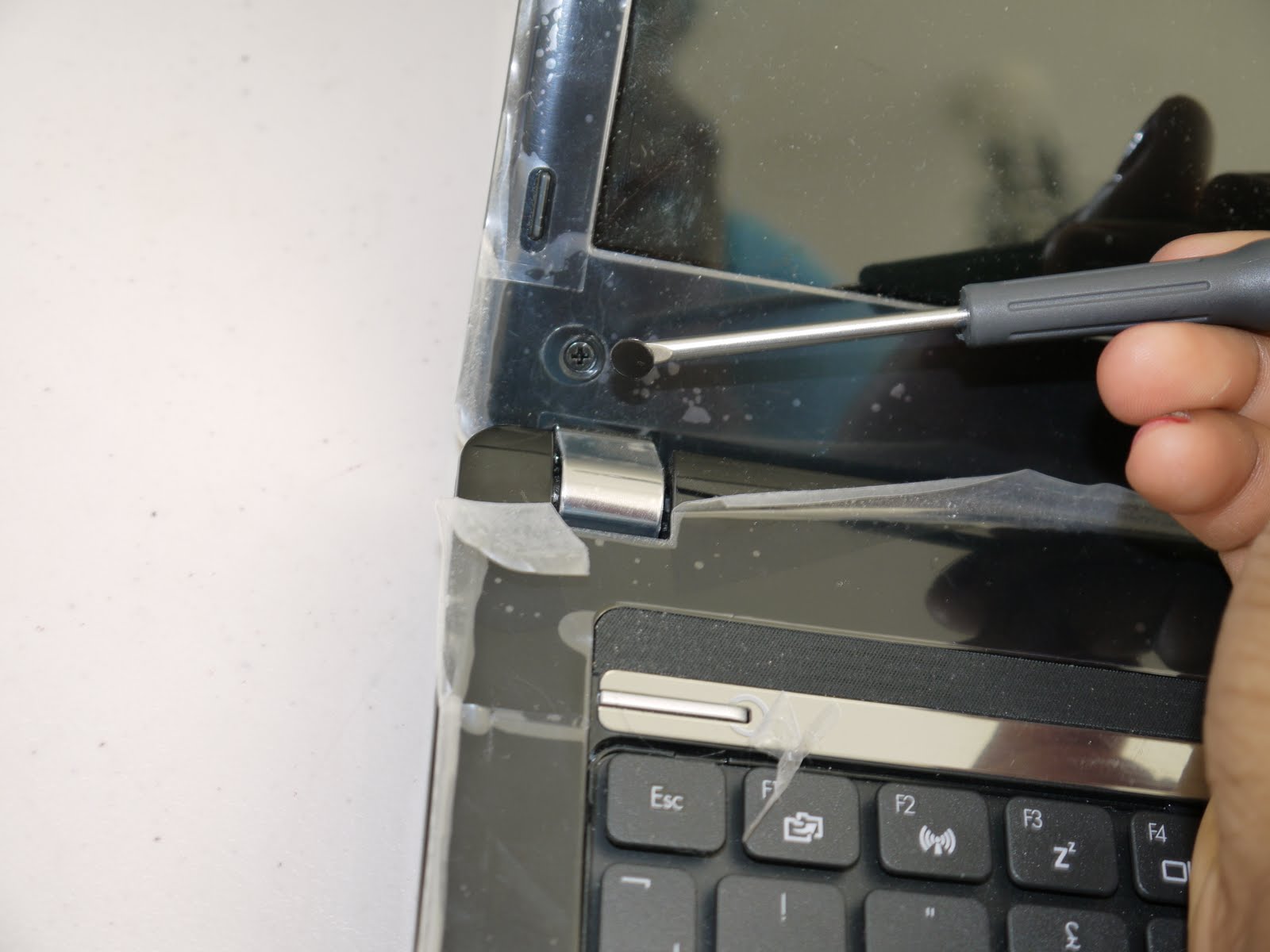
- Broken hinges or damaged casing
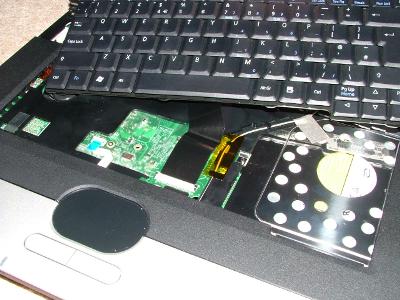
- Keyboard or touchpad not functioning correctly
- No display or damaged screen
- System freezing or running slowly
- Virus and malware infections
Many of these issues are common in older computers as components wear out and software accumulates years of updates and installed applications.
Can an Older Packard Bell Still Be Repaired?
In many cases, yes. Storage upgrades, cooling maintenance, Windows repairs and charging-related faults are often cost-effective to fix. A slow computer is frequently caused by an aging hard drive rather than a major hardware failure.
In our experience, replacing an older mechanical hard drive with an SSD can sometimes make a Packard Bell laptop feel dramatically more responsive for everyday use.
However, some very old systems may not justify major repairs. If replacement parts are difficult to obtain or repair costs exceed the practical value of the computer, we will tell you honestly.
Support After Manufacturer End-of-Life
Packard Bell devices are now old enough that official support resources can be difficult to find. Driver downloads, BIOS updates and technical documentation may no longer be available from the original manufacturer.
Even so, many software-related problems can still be resolved. We can often assist with Windows recovery, data transfer, SSD upgrades, troubleshooting and locating compatible replacement components when available.
Repair Time and Cost
The cost of repair depends on the model, fault and availability of replacement parts. Software issues and maintenance work are generally quicker to resolve, while display, motherboard or charging-related repairs require a more detailed assessment.
We always explain the available options and provide a repair estimate before work begins.
Describe the problem and include the model number if available. We will explain the likely cause, possible repair options and whether repair makes financial sense.
Call: +358 9 174 746 Contact Bitmaster – Computer Repair in HelsinkiFrequently Asked Questions
Can a Packard Bell laptop still be repaired?
In many cases yes. Storage upgrades, charging problems, screen replacements and Windows-related issues are often repairable even on older models.
Is it worth repairing an old Packard Bell computer?
That depends on the age of the device, the fault and the cost of replacement parts. We will explain the available options before any repair work begins.
Can data be recovered from a failing Packard Bell computer?
Often yes. Even when Windows no longer starts, it may still be possible to recover documents, photos and other personal files from the storage drive.
Visual Examples of Repairs