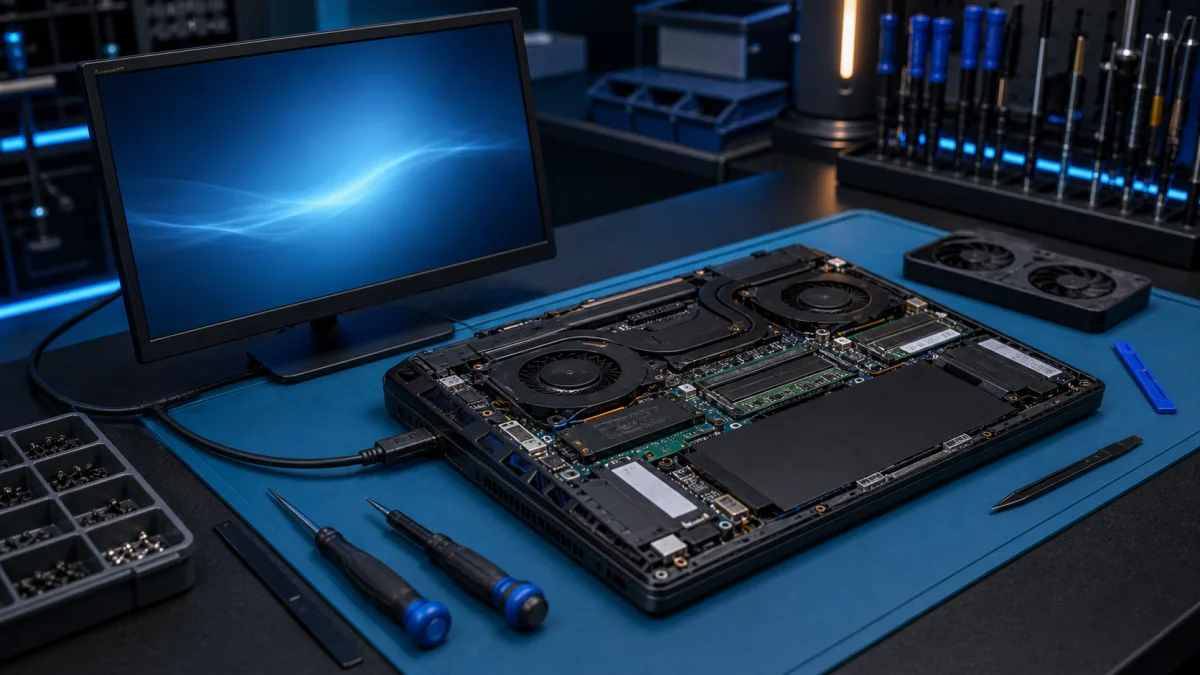

Does the MSI overheat, crash or fail to start?
Tell us the exact model and whether the fault appears under gaming load, during charging or already at startup. Bring the laptop’s charger.
Ask about the MSI fault
Test the condition in which the fault appears
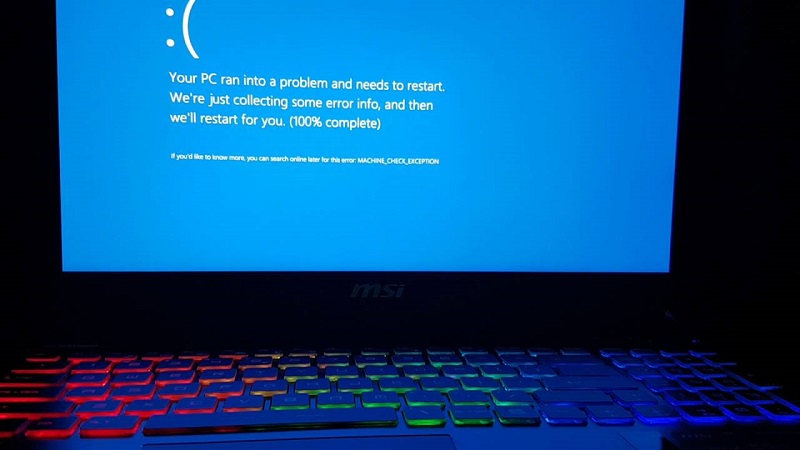
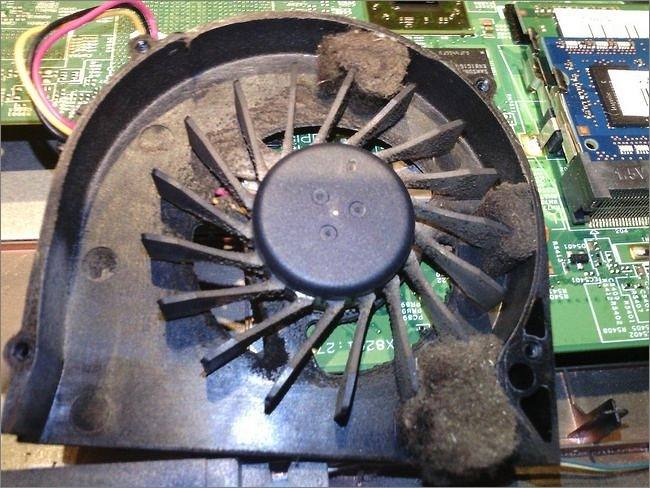
A gaming laptop or desktop may work normally at idle and fail only when the processor or graphics card is loaded. We record the workload, temperatures, fan behaviour and power symptoms instead of treating every crash as a cooling problem.
Cooling, power and stability
Restricted airflow, a worn fan, poor thermal contact, an unsuitable power adapter, memory errors and storage faults can produce overlapping symptoms. Recent BIOS, driver, memory or drive changes are also relevant. The test order follows the event that triggers the fault.
Use the complete model code
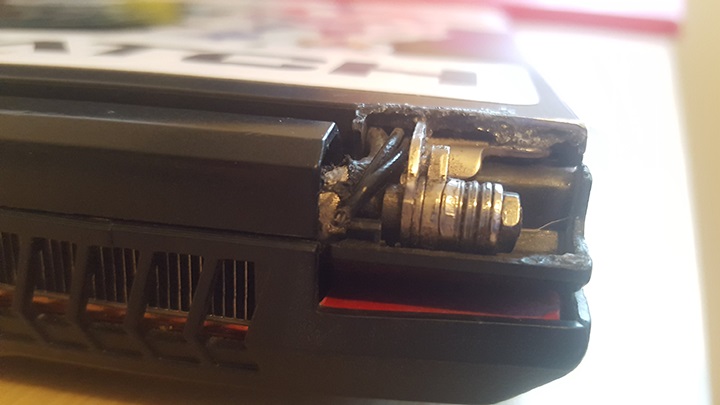
MSI product families can contain different displays, keyboards, batteries, fans and cooling assemblies. The complete model and revision are checked before part availability or compatibility is discussed. A visible symptom is not enough to select a replacement part.
Files and repair value
If Windows does not start or the storage drive becomes unstable, important files are considered before repeated repair attempts. Repair value depends on the diagnosed fault, device condition, required part and whether the computer still meets the user’s workload.

The estimate is agreed at intake. If testing or a model-specific part changes the scope, we contact you before continuing.
Bring the workload and symptom together
Bring the computer, laptop charger and a description of the game or program that triggers the fault. Mention changes made before the symptom began.
Bring the MSI for assessment