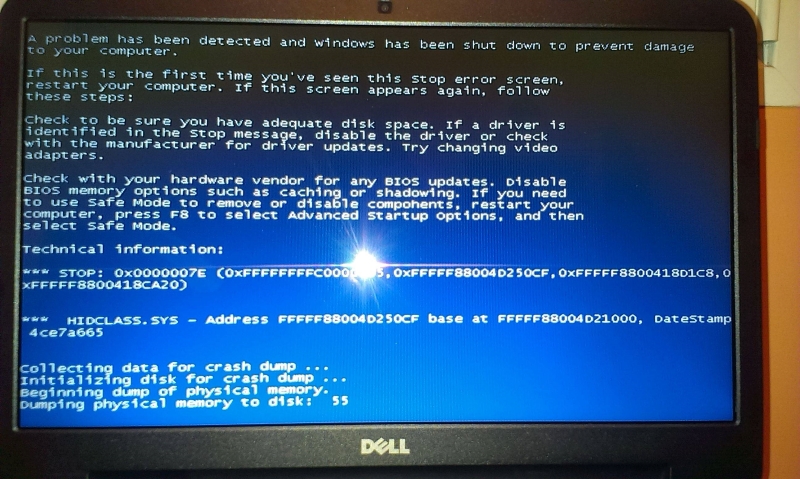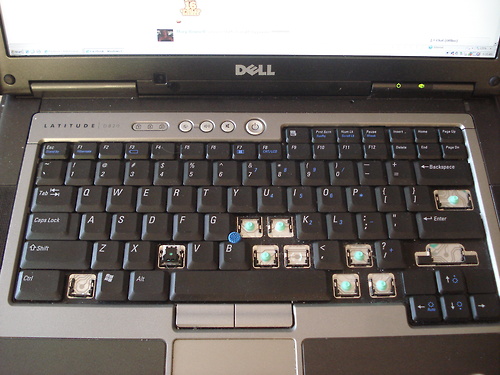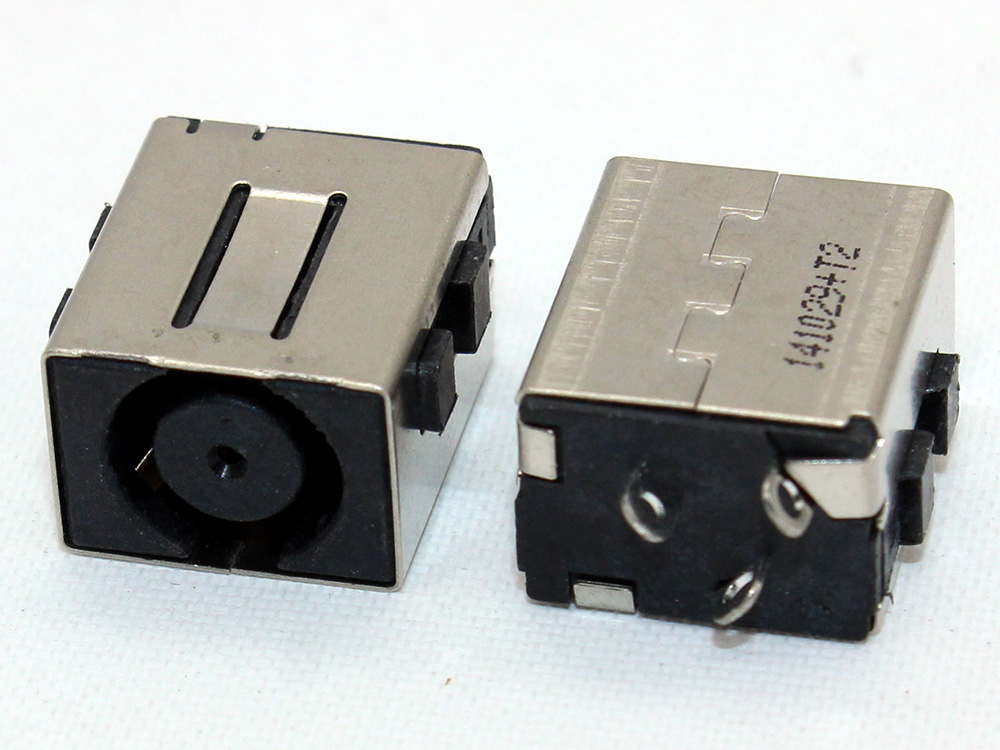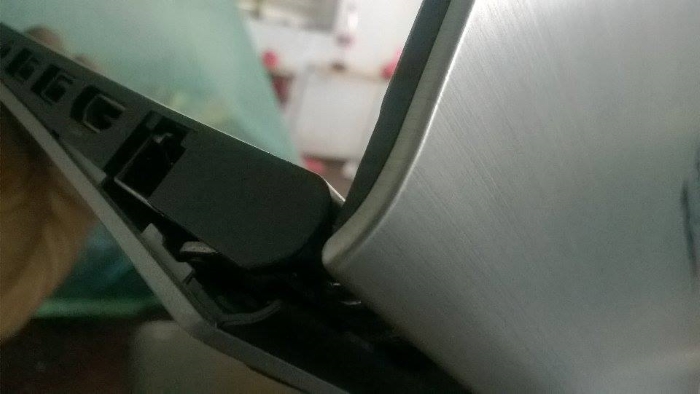

Dell laptop or desktop computer not working properly? Bitmaster repairs Dell Latitude, Inspiron, XPS, Vostro and Alienware computers in Helsinki. Common problems include startup issues, broken hinges, noisy fans, faulty power connectors, display problems and slow performance.
We do not guess the fault or replace parts without checking the machine first. Describe the problem and we will give you a realistic repair estimate before the work begins.
Describe your Dell problem – ask for a repair estimate
Common Dell laptop and desktop problems
- Windows does not start
- The laptop turns on but shows no image
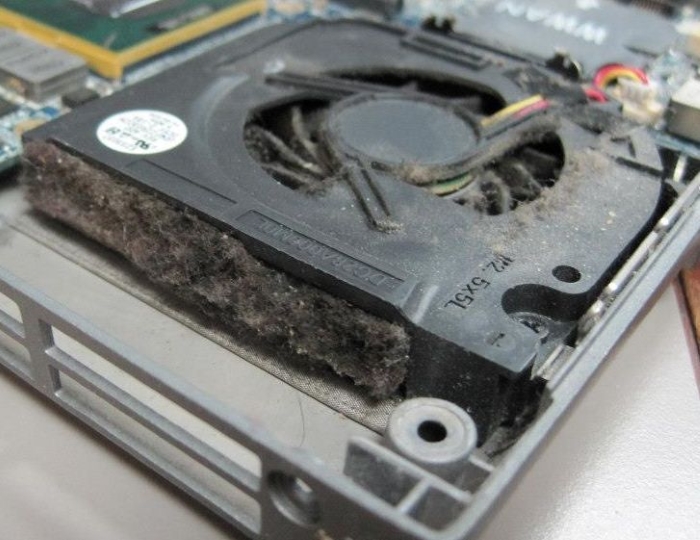
- Fan is noisy, blocked by dust or not working
- Power connector or charging port is loose or broken
- Battery does not charge
- Hard drive or SSD failure
- Broken hinges or cracked casing
- Broken display
- Keyboard not working properly
- Computer freezes or shuts down unexpectedly
- Slow performance
- Virus or malware problems
- Internet or Wi-Fi not working
How the Dell repair process works
Bring the computer to our shop in Punavuori or contact us first if you are unsure what is wrong. We check the symptoms, identify the likely cause and explain whether the repair makes sense compared with the value and age of the computer.
Typical Dell laptop repairs include SSD replacement, Windows repair, keyboard replacement, fan cleaning, hinge repair, screen replacement and charging problems. With older machines, we will also tell you honestly if repair is not the most sensible option.
Repair time and price estimate
Many software and maintenance issues can be handled quickly. Hardware repairs depend on the model and part availability. As a rough guide, basic troubleshooting and software repairs are usually smaller jobs, while display, hinge, motherboard or charging port repairs need a more careful estimate.
You will always get a price estimate before the repair is started. If the computer is not worth repairing, we can often still help with data recovery or transfer to another machine.
Ask us for Dell repair in Helsinki
If your Dell computer is slow, does not start, overheats or has physical damage, describe the problem and include the model if you know it. We will tell you what is likely worth checking next.
Contact Bitmaster – Dell repair in Helsinki