09-174 746

Data Recovery

When a drive disappears, Windows will not start or files seem to be gone, the first step is not to make things worse. The wrong repair attempt can make recovery harder.

Below you will find articles about data recovery, failing drives and computers that no longer open normally. If the files matter, start here.

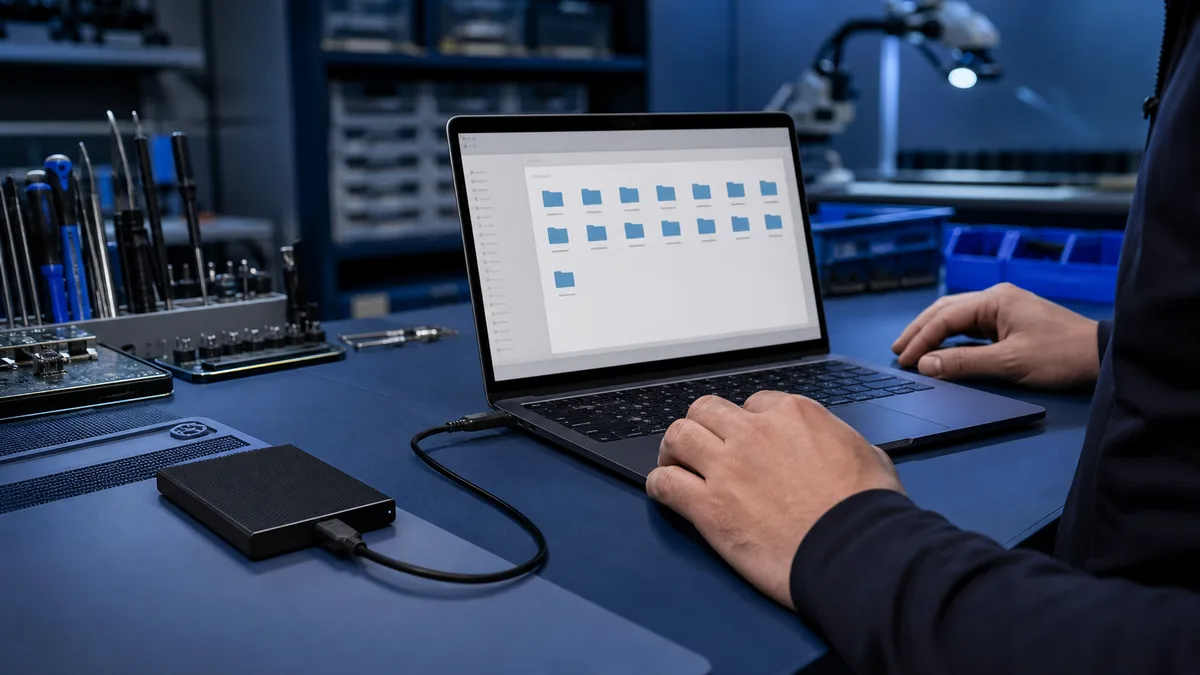
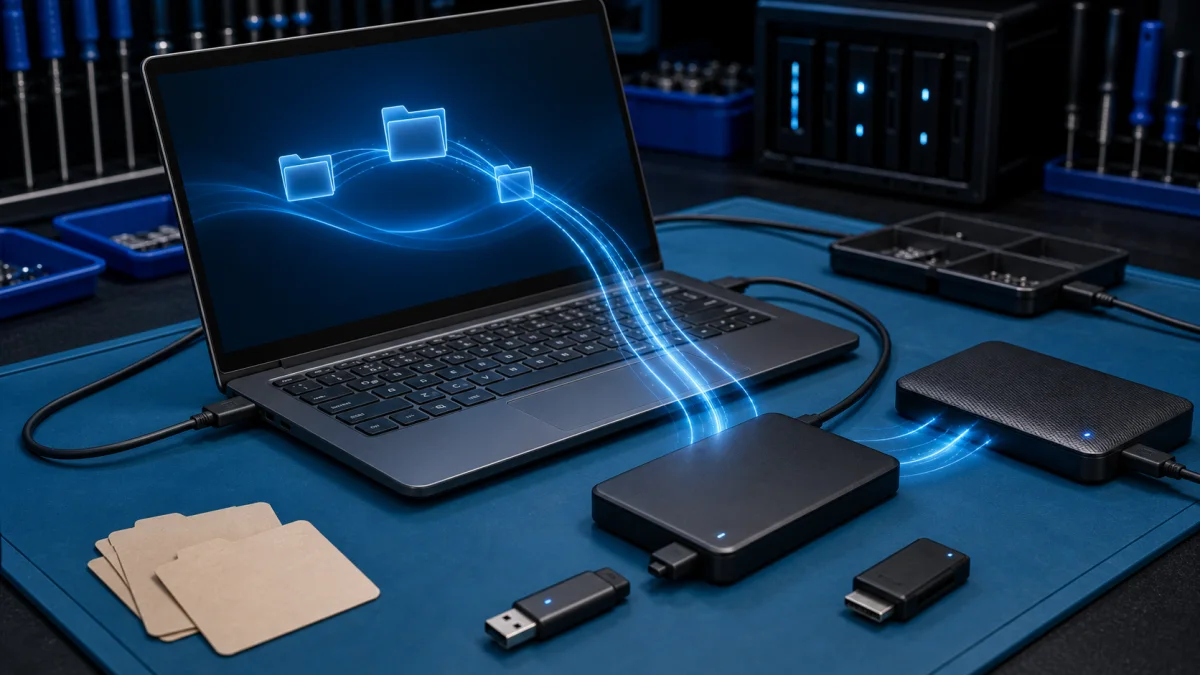
File backup and restore using external storage

Backup and restore files

Backup and Restore Files - Practical Help in Helsinki A reliable backup is the difference between a small computer problem and a real data loss case. If a laptop is slow, Windows will not start, the hard drive is failing or you are moving to a new computer, the first question should be: are the impo...
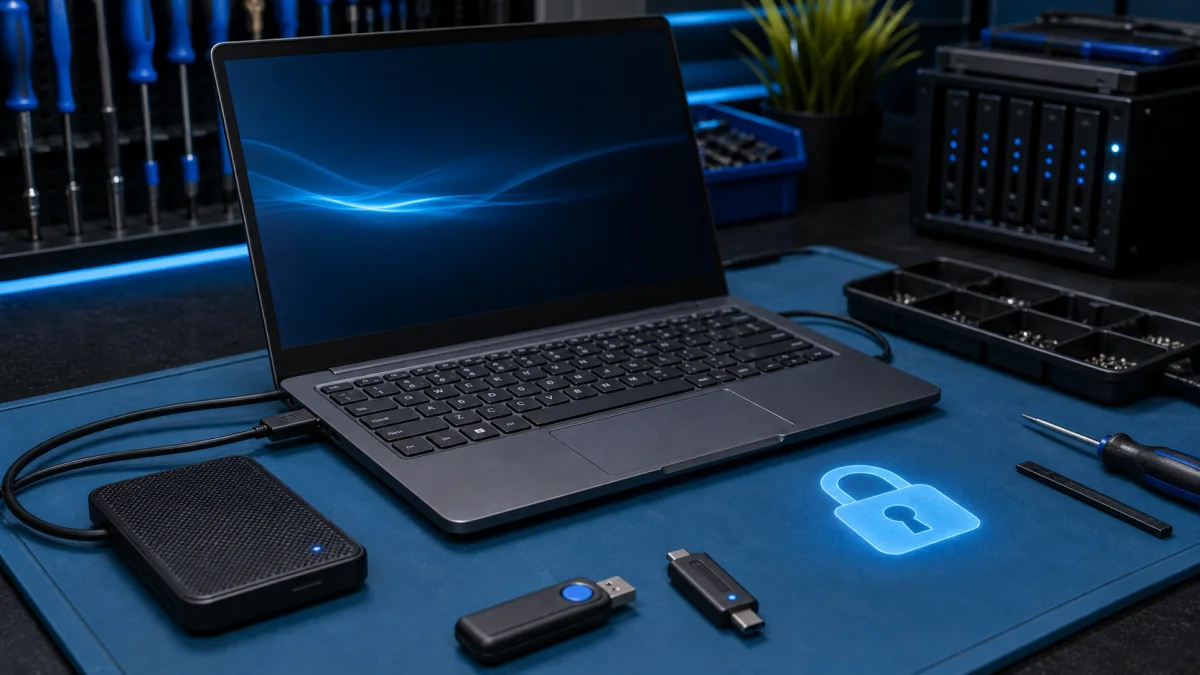
BitLocker recovery troubleshooting with encrypted laptop drive

Bitlocker recovery key

BitLocker is a full-disk encryption feature that is built into Windows 10 and Windows 11. It helps to protect your data by encrypting all of the data on your hard drive. If you forget your BitLocker password or if your computer's hardware is changed, you can use your BitLocker recovery key to regain...

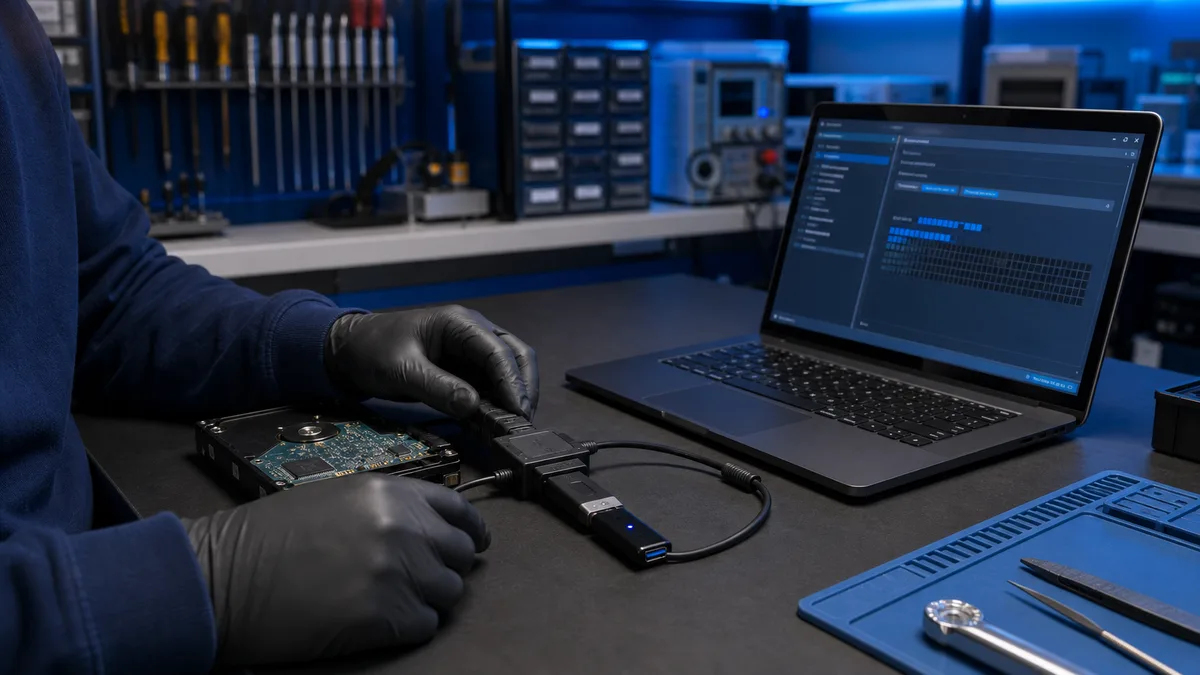
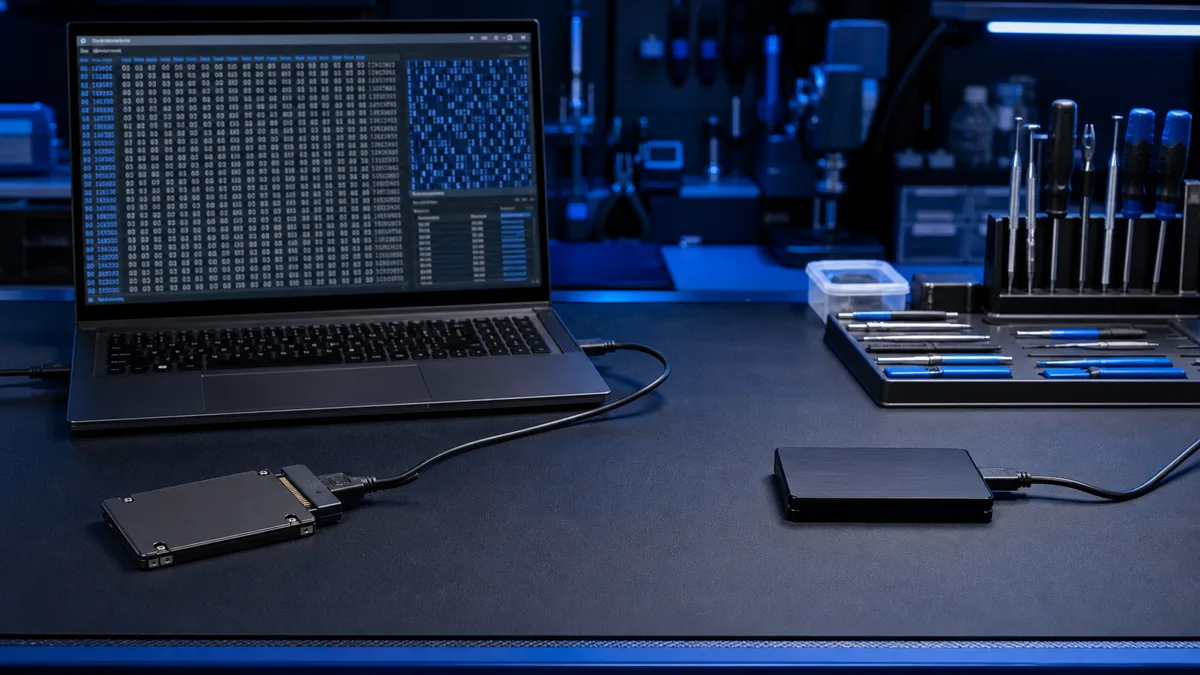
source drive and separate destination drive for data recovery

Do not install recovery software on the source drive

After a file is deleted, its contents may remain on the drive even though Windows marks the space as free. Every new write can overwrite recoverable data. Installing recovery software on the same drive is therefore a common and costly mistake.Were important files deleted or a partition lost?Stop wri...

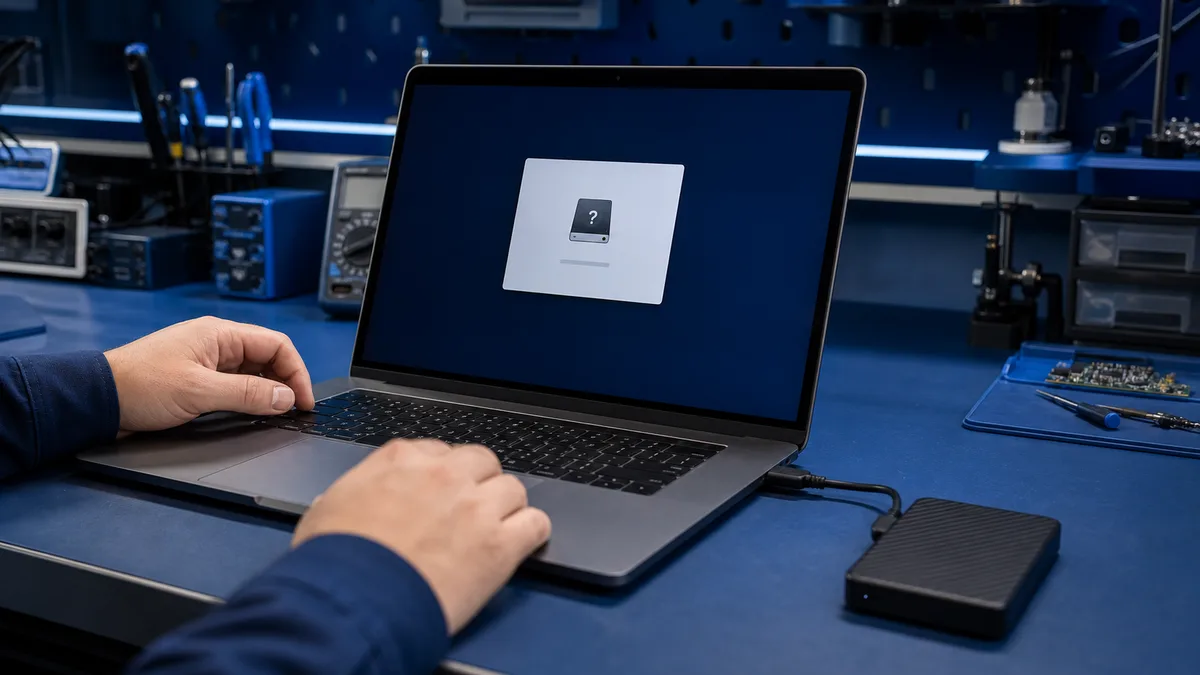
external drive and format prompt at a repair bench

External drive asks to be formatted – what should you do?

A format prompt does not necessarily mean the drive is empty. Windows may detect the device but not its file system. If the files matter, do not format it or approve an automatic repair.Does the external drive contain important files?Do not approve formatting. Tell us the drive model, what Windows s...

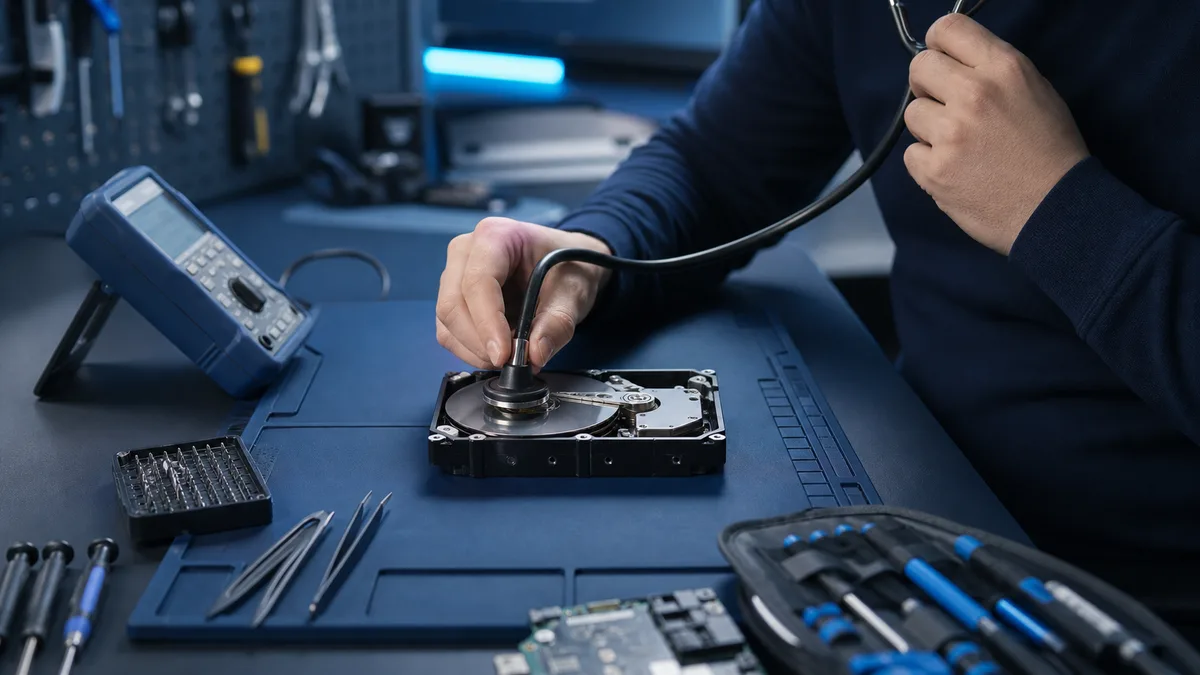
checking a clicking hard drive at a repair bench

Hard drive clicking – shut down or copy the files?

New repetitive clicking, scraping, or repeated spin-up attempts can indicate mechanical failure. If the data matters, shutting down is usually safer than testing whether the drive survives one more start.Is the drive clicking and the data important?Power the device down. Tell us what the drive sound...

safe inspection of a USB flash drive

USB flash drive not detected – safe checks

An invisible USB drive may have a port, drive-letter, file-system, or flash-controller fault. The importance of the files determines how far DIY testing should go.Does the USB drive contain irreplaceable files?Do not format it. Tell us whether Disk Management detects it, whether the capacity is corr...

Windows recovery media and laptop repair setup

Windows recovery

Windows Recovery - When Windows Will Not Work Properly Windows recovery is useful when the computer will not start, updates have broken the system, a reset has failed or Windows is too damaged for normal repair. The right recovery method depends on one thing first: whether your files are safely back...

testing whether a backup can be restored

You have a backup – can it actually be restored?

The existence of a backup does not prove that files are complete and restorable. A useful test opens selected files from the backup without relying on the original drive.Do you want to know whether your backup really works?Tell us where the backup is stored and which software or cloud service create...