After a file is deleted, its contents may remain on the drive even though Windows marks the space as free. Every new write can overwrite recoverable data. Installing recovery software on the same drive is therefore a common and costly mistake.
Were important files deleted or a partition lost?
Stop writing to the source drive. Tell us what happened and whether recovery software has already been used so the next attempt does not overwrite data.
Ask before using recovery software
Why can a deleted file still exist?
A normal deletion often removes the reference to a file first. Its space becomes available for new data. If nothing overwrites it, recovery software may still find some or all of the content.
On an SSD, TRIM may clear released cells quickly, so recovery chances can decline even without obvious use. No result can be guaranteed.
What does an installation write?
The download, browser cache, installation files, logs, and Windows background activity can all write to the source drive. Saving recovered files back to that drive can overwrite the next files the scan is trying to recover.
The safer basic rule
Read from one drive and save to another. Run the software from another computer or separate boot media, and save results to a physically different drive. A different folder or partition on the same physical device is not enough.
When might DIY recovery be reasonable?
- the deletion was accidental and the drive works normally
- other copies of the files also exist
- nothing needs to be installed on the source drive
- a separate destination drive has enough free space
When should you stop?
- the drive disconnects
- a hard drive clicks or repeatedly spins up
- reading becomes extremely slow or freezes the computer
- Windows asks to format the drive or shows it as RAW
- the files are unique or business-critical
Do not format the drive, approve a repair, or run a writing disk check simply because Windows suggests it.
What does a repair shop do differently?
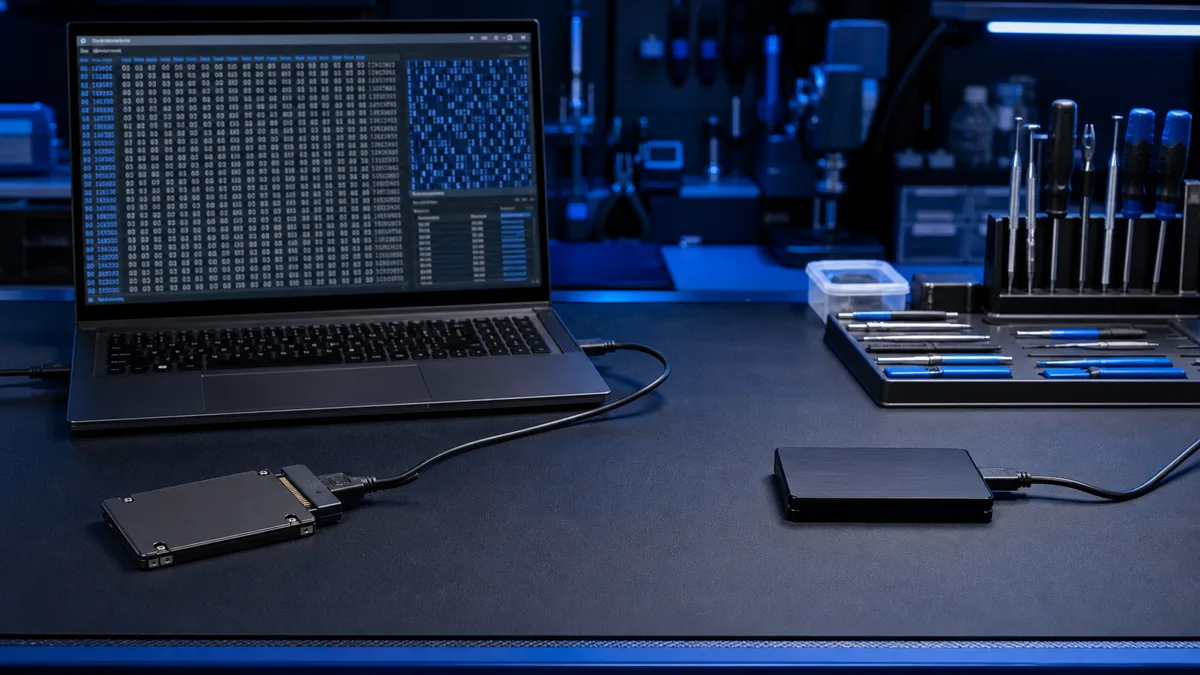
Data recovery starts by assessing the media. With an unstable drive, the aim is to create a sector-level image and work on the copy instead of the original. We do not promise laboratory-level recovery for physically damaged drives, and we explain when a specialist clean-room service is the appropriate route.
Safe recovery reads from the source and saves elsewhere
If files are unique or the drive is unstable, bring it for inspection. We assess imaging, software recovery, or referral to a specialist laboratory.
Bring the source drive for assessment