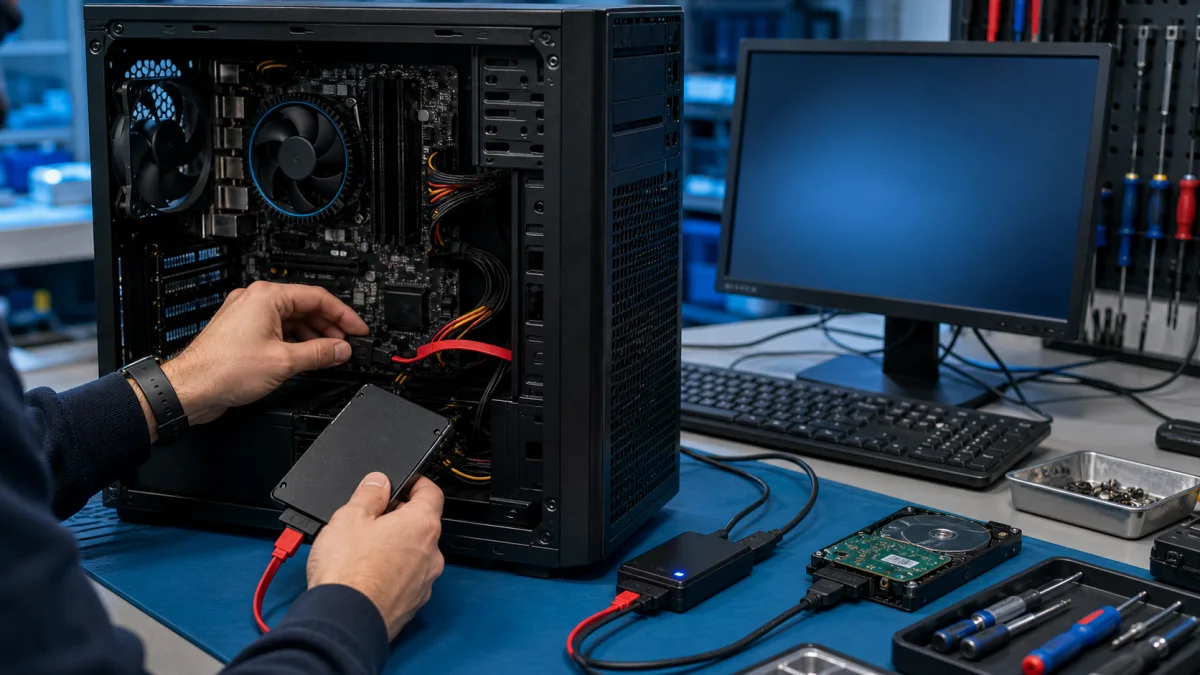
Won’t your computer start, is the screen black, or are you asked for a BitLocker recovery key?
Describe the situation briefly – you’ll get an honest assessment of what to do next, with no obligation.
Describe the problem and ask for an assessment
When Windows 11 won’t start, the situation often feels more serious than it actually is. The problem may appear as a black screen, endless loading, an error message, or a system that won’t even reach safe mode. In most cases, it’s not a single button or setting, but a combination of software, updates, or hardware-related issues.
At Bitmaster, we don’t guess the cause or push unnecessary repairs. We take the time to identify what’s most likely causing the startup issue and tell you honestly whether fixing it makes sense – or if another option is smarter.
How does a Windows 11 startup problem usually appear?
Startup issues in Windows 11 often show similar symptoms:
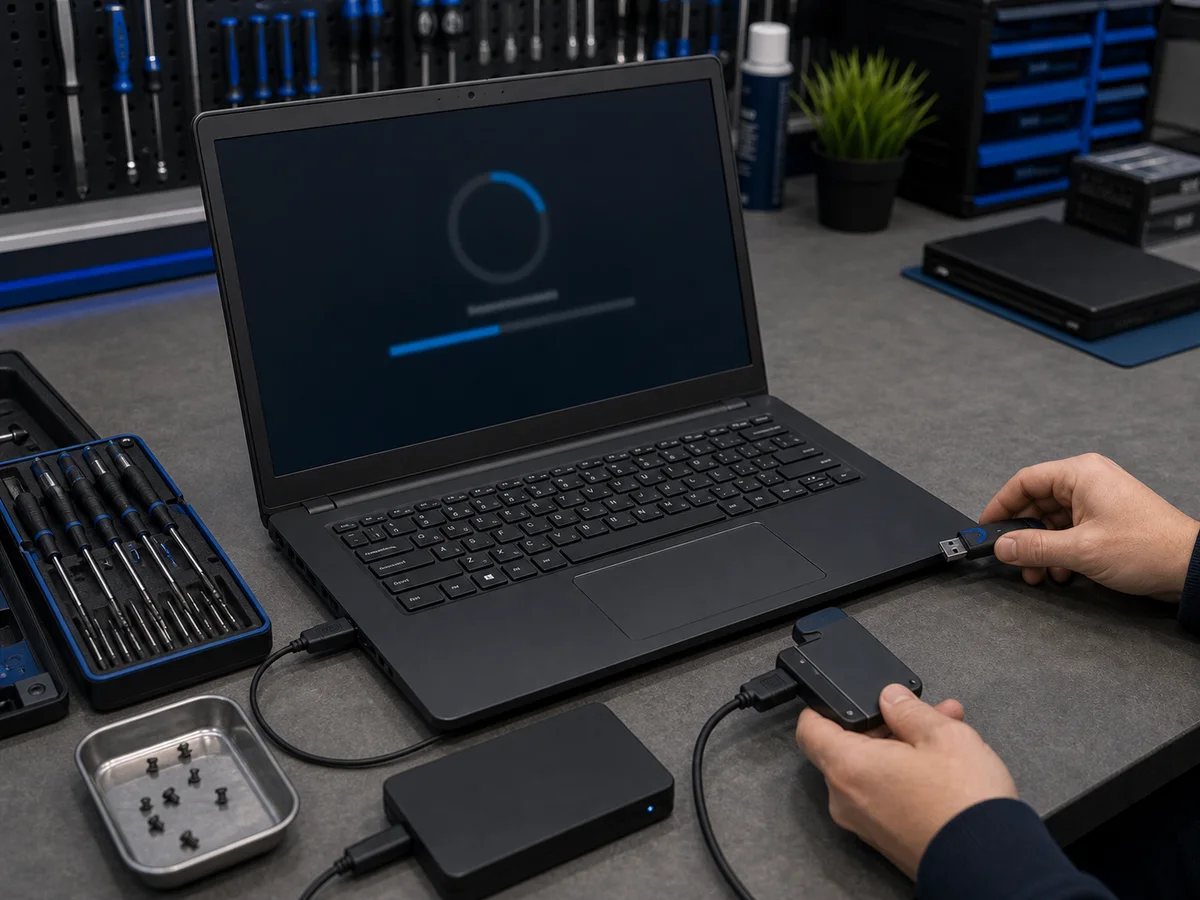
- the computer powers on, but the screen stays black
- the Windows logo appears, but loading never finishes
- the system restarts or shuts down on its own
- an error message or blue screen is displayed
- Windows won’t start even in safe mode
- the problem started after a Windows update
These symptoms usually give strong clues about where the problem lies.
Common reasons why Windows 11 won’t start
Failed Windows update
An update may stop midway or install incorrectly. When this happens, Windows can no longer find a working startup configuration and gets stuck.
BitLocker encryption
Windows 11 enables BitLocker more often by default. The system may suddenly require a recovery key or block startup entirely if encryption is triggered unexpectedly.
Storage drive issues
A failing or worn-out SSD, or a completely full system drive, can prevent Windows from starting normally.
Driver or hardware changes
A driver update, BIOS change, or newly connected device can be enough to break the startup process.
System file corruption
Forced shutdowns, crashes, or long-term instability can damage critical Windows system files.
What can you safely try yourself?
Not everything should be tried on your own. The wrong action can make the situation worse or complicate data recovery.
Safe first checks include:
- disconnect all unnecessary USB devices
- shut the computer down completely and restart it
- check whether an error message or BitLocker prompt appears
If the system asks for a BitLocker recovery key and you’re not sure where it is, do not continue by guessing. This is the point where stopping is often the smartest move.
How long does a repair usually take?
- software-related startup issues: often the same or next business day
- update or BitLocker-related problems: typically 1–2 business days
- storage drive issues: depends on the situation
A more accurate estimate is always given after the issue has been assessed.
The price is always explained before any repair decision is made. No surprises.
When is it no longer worth fixing a Windows 11 computer?
Sometimes the most honest answer is that repair doesn’t make sense. This is often the case when:
- the device is old and already underpowered
- the repair cost approaches the value of a replacement computer
We help you evaluate the situation and alternatives without pressure.
What should you do next?
If Windows 11 won’t start and you’re unsure how to proceed, the easiest next step is to describe the situation.
Tell us what happened, when the problem started, and whether you see an error message. You’ll get an assessment of whether repair makes sense and how to move forward.
Describe the problem and contact us
We’re located in Helsinki (Punavuori) and also accept devices from elsewhere in the metropolitan area.