09-174 746

Windows 11

Windows 11 can make everyday use smoother, but updates, drivers and older hardware can also cause trouble. Sometimes the fault is Windows, sometimes it is the computer itself.

Below you will find articles about Windows 11, installations, updates and faults that show up as slow or unstable use. If Windows is acting up, start here.

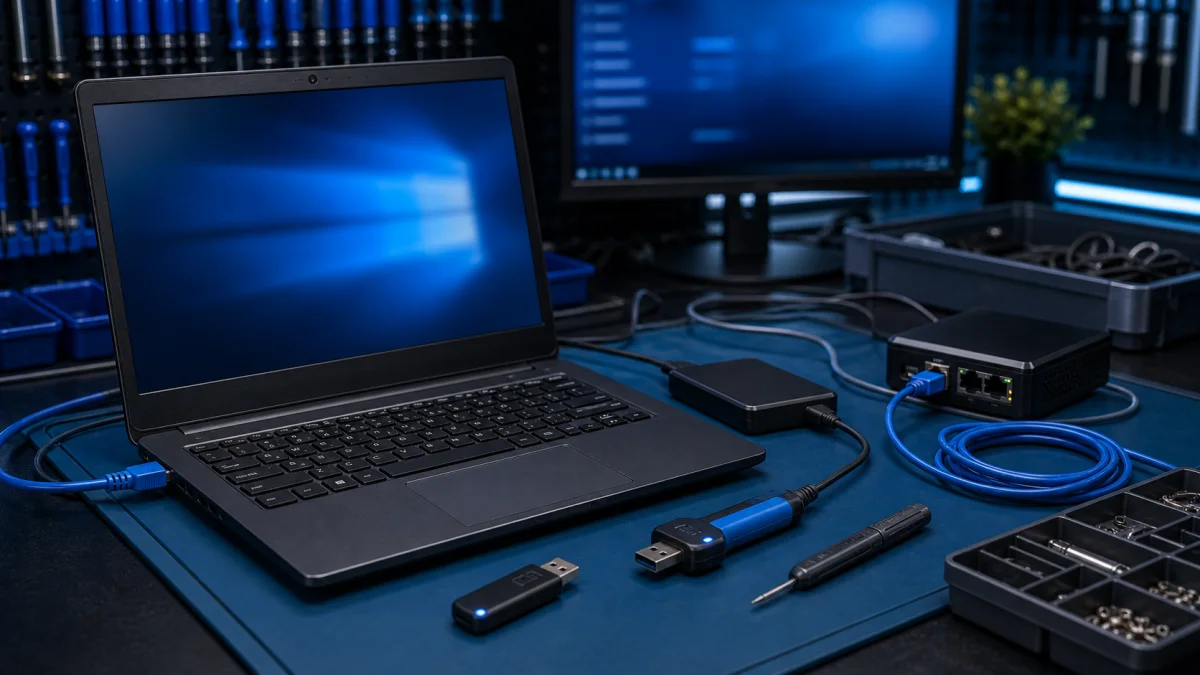
Windows installation media prepared for a desktop computer

How to install Windows

How to Install Windows - Practical Help Before You Reinstall A Windows installation can fix many problems, but it can also erase files or make a computer harder to repair if it is done too early. Before reinstalling Windows, check whether the important files are backed up and whether the storage dri...
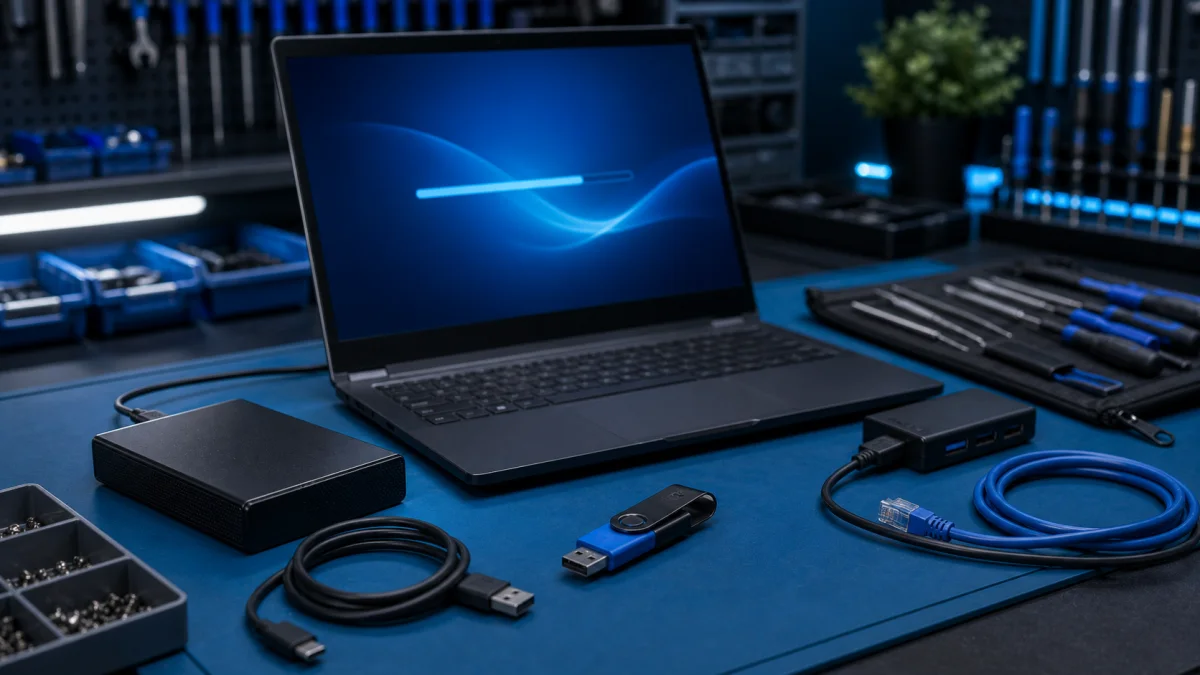
New computer installation with peripherals connected

Installing a computer

Computer installation refers to creating a new computer system from scratch or upgrading an existing system to a new level. This may sound like a complicated task, but it is one of the most important things you can do to get the most out of your computer. What computer installation includes The inst...

Safe Windows software installation on a service bench

Installing software on a Windows computer

Installing Software on a Windows Computer – Safe Installation Help in Helsinki Installing software on Windows is usually simple, but choosing the wrong download source can cause problems. Many unwanted programs, browser extensions and fake “cleanup tools” get installed when users download software f...

Windows troubleshooting setup with diagnostic tools

Troubleshoot Windows problems

A few tips to help you solve possible Windows issues. Windows Updates: Make sure your Windows operating system is always updated to the latest version. Updates can help you fix many possible issues. Disk Space: If your computer's disk space is full, it can slow down your computer's performance and c...

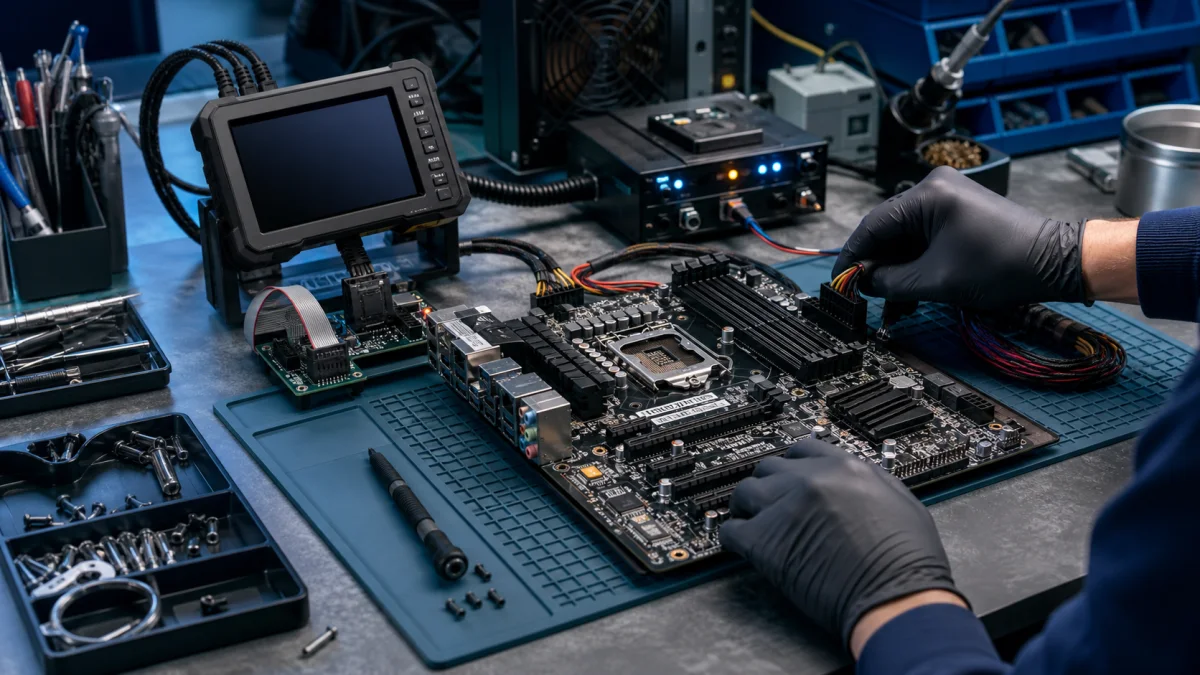
BIOS update diagnostics on a motherboard service bench

Updating BIOS

The computer's BIOS (Basic Input/Output System) is software that acts as an interface between the computer's hardware and the operating system. It contains basic information about the computer's components and determines their operation. BIOS may need to be updated for various reasons, such as the f...

using a Windows built-in check at a repair bench

When are Windows built-in checks enough?

Windows includes useful tools for updates, system files, drives, and startup. They are often enough for an isolated software issue when the computer is stable and important files are backed up. They cannot repair a hardware fault.Not sure which Windows check is safe to try?Tell us the error, when it...

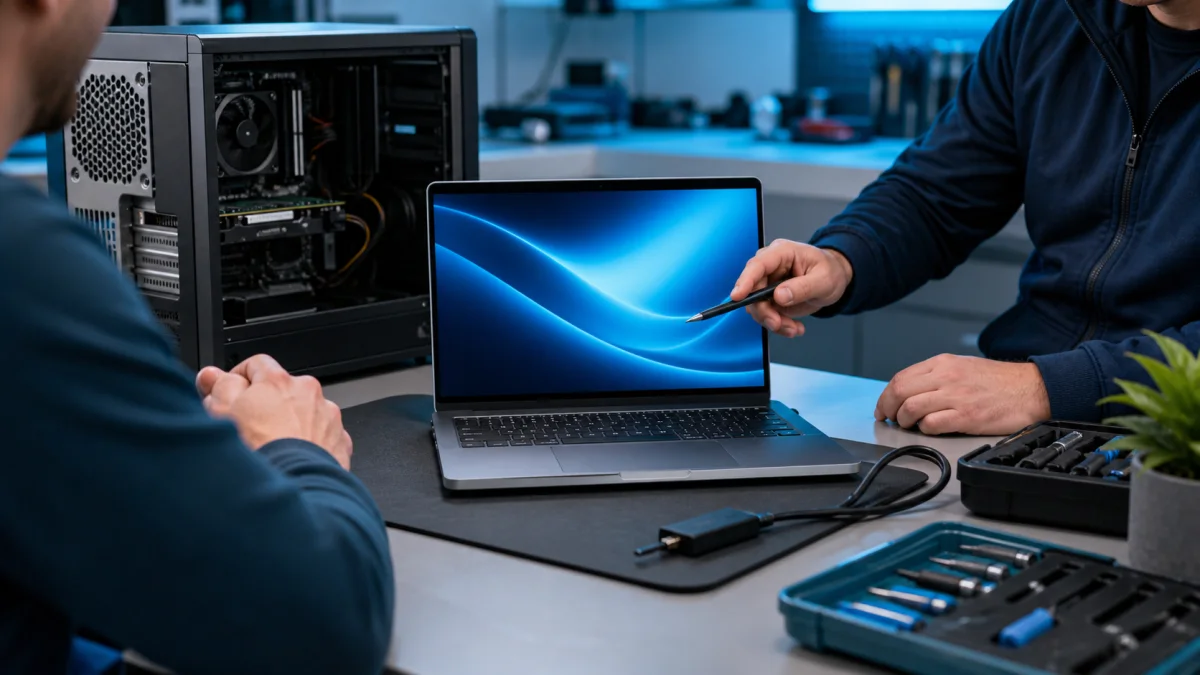
Windows 11 upgrade planning on a computer repair consultation desk

Windows 11 features and benefits

Windows 11 Features and Benefits - Is Your PC Ready? Windows 11 can be a good upgrade for a compatible computer, but it is not automatically the best choice for every older PC. The real question is whether the computer is fast enough, secure enough and reliable enough for the upgrade to make sense....

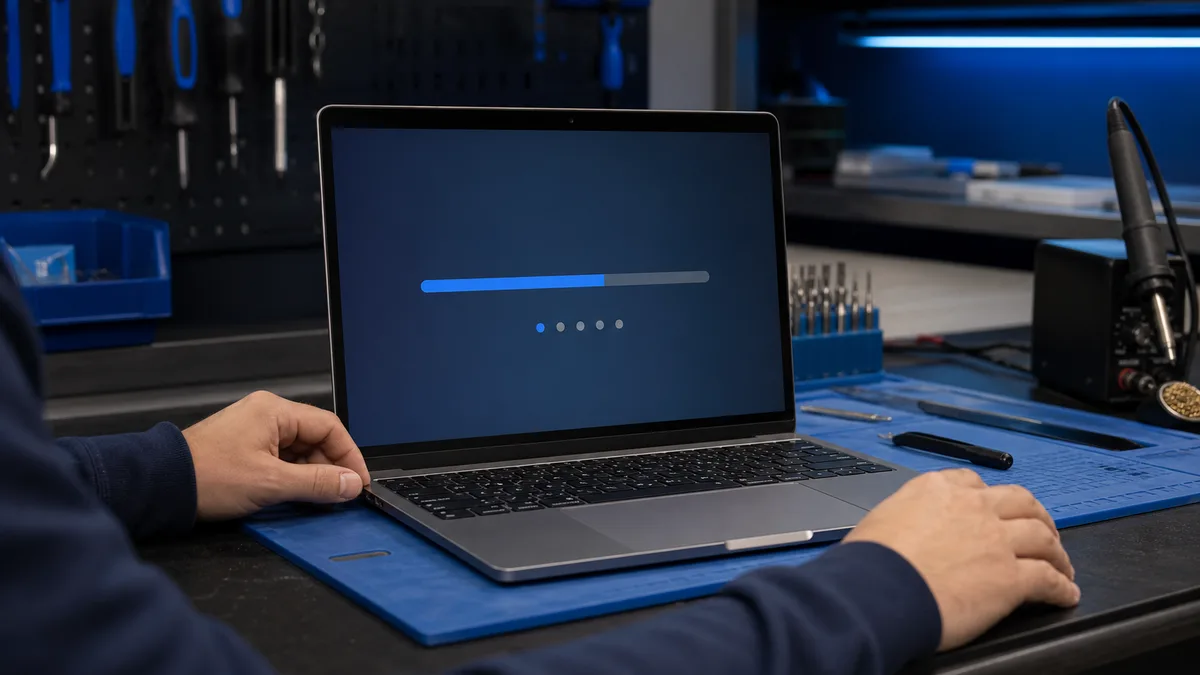
Windows boot failure diagnostics on a laptop

Windows does not start

What to do when Windows does not start If you're trying to start your computer and Windows refuses to boot, what should you do? "Windows doesn't start" is a common issue with various possible causes. Here are some troubleshooting steps: First steps: has anything changed? Think about any modification...

Windows Automatic Repair loop

Windows keeps entering Automatic Repair

An Automatic Repair loop may follow an interrupted update, damaged boot data, or hardware failure. Repeated restarts do not identify which one.Does Windows keep returning to Automatic Repair?Tell us the exact message and whether the BitLocker key is available. We check the drive before reset or rein...