09-174 746

SSD

An SSD is often the quickest way to bring a slow computer back to life. On many older machines, replacing the hard drive is enough – you do not always need to buy a new computer.

Below you will find articles about SSD drives, hard drive replacement and choosing components. If your computer is slow, freezes or takes a long time to start, this is a good place to begin.

computer freezing while opening files

Computer freezes when opening files – is the drive failing?

If the computer freezes while opening folders, photos, or documents, the storage drive is one possible cause, but not the only one. Secure important files before running repair utilities.Does the computer freeze when opening files?Tell us whether the files are on an internal or external drive and wh...
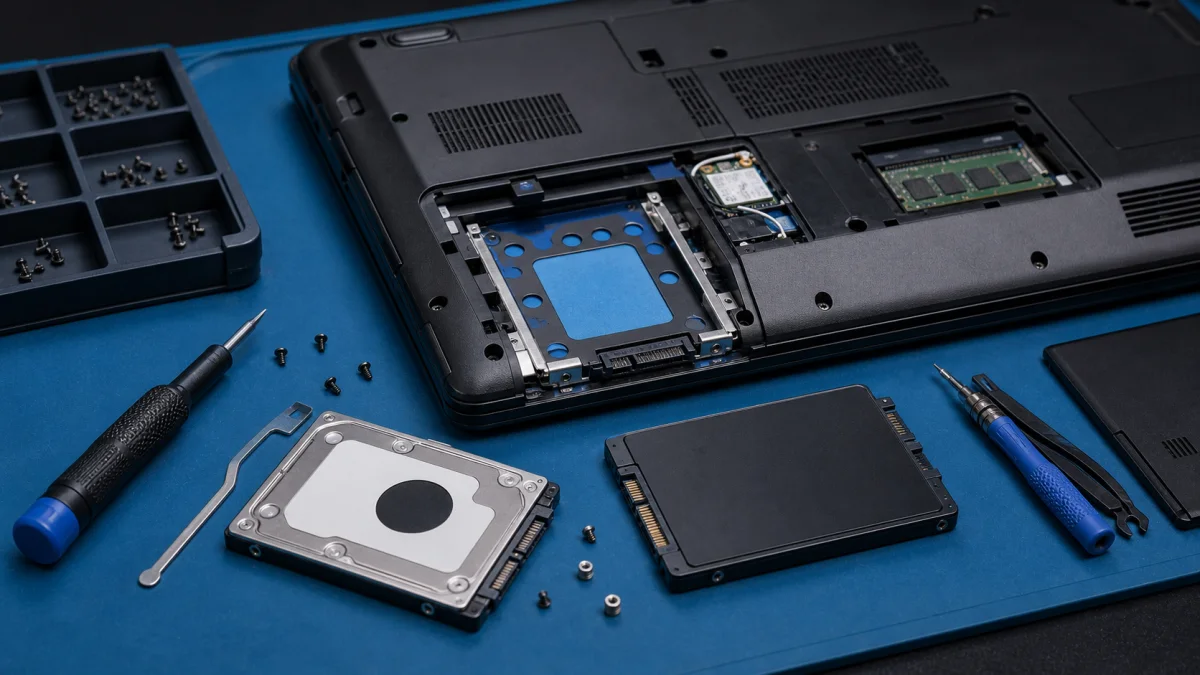
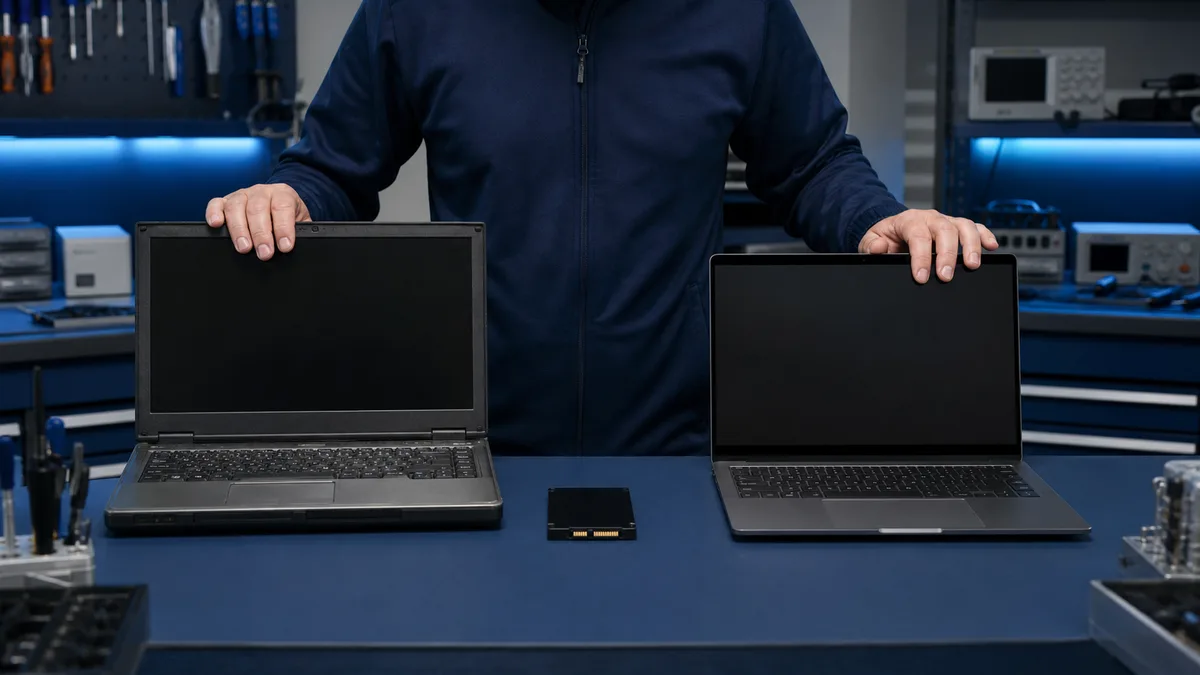
Laptop hard drive replacement with SSD upgrade

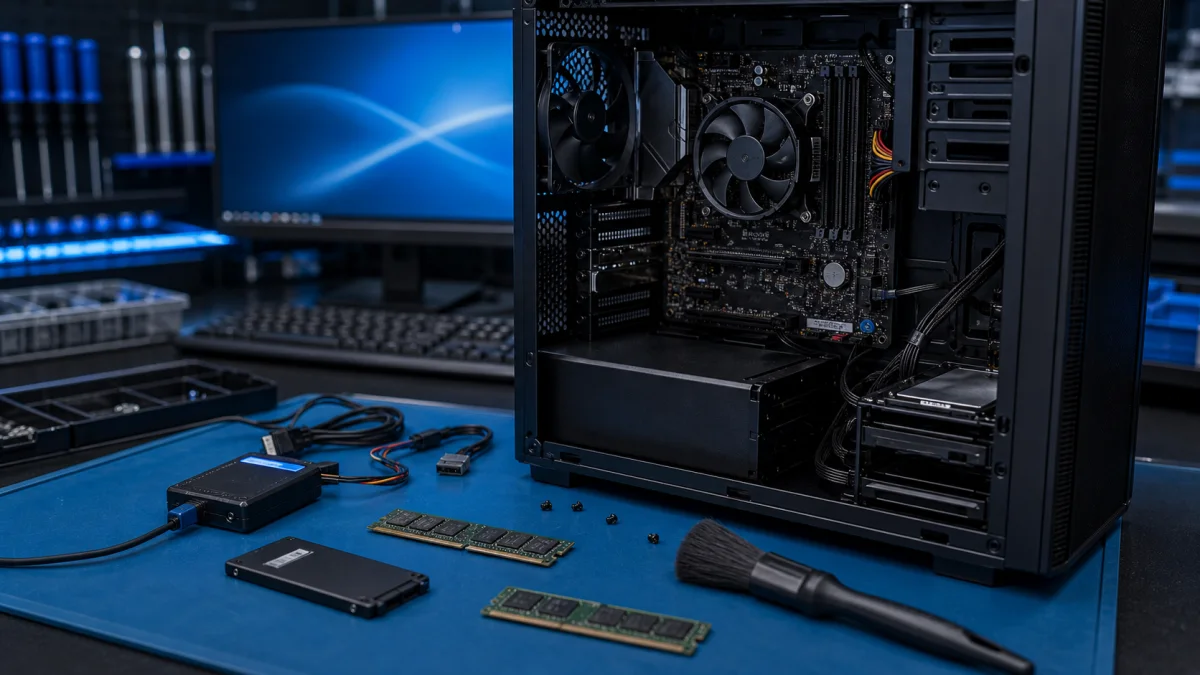
Replacing a laptop hard drive or SSD

Replacing a Laptop Hard Drive or SSD Replacing a laptop hard drive is one of the most useful upgrades for an older computer, especially if the original drive is a slow mechanical HDD. In many cases, replacing the drive with an SSD makes the laptop noticeably faster and more reliable. At Bitmaster in...

comparing an SSD upgrade and replacement laptop

Should you add an SSD to an old computer or replace it?

An SSD can make a healthy older computer much faster. It cannot fix a weak battery, broken hinges, insufficient memory, or expired operating-system support.Should you upgrade the current computer or replace it?Tell us the model, memory, current drive, and any other faults. We compare the full SSD up...

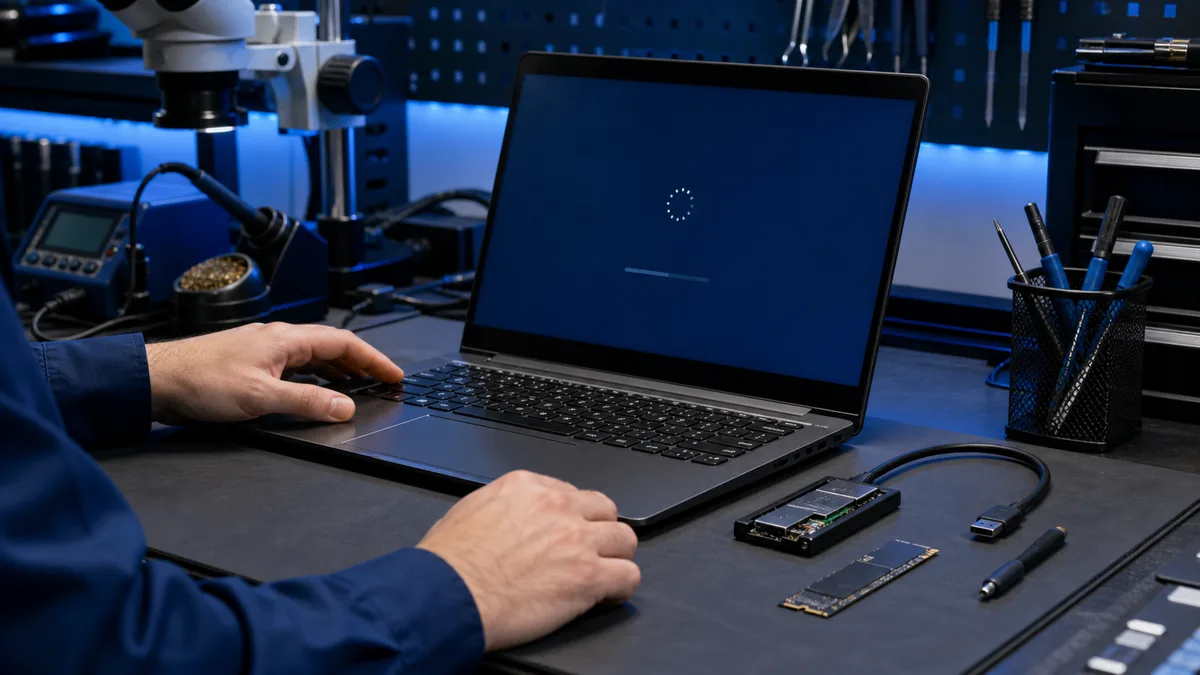
Slow computer diagnostics on a repair bench

slow computer

How to speed up a slow computerImproving the speed of your computer can be beneficial for many reasons, such as better performance for programs or games, or to enhance your overall user experience. Here are some tips to help you speed up your computer:Is the computer suddenly slower than before?Tell...

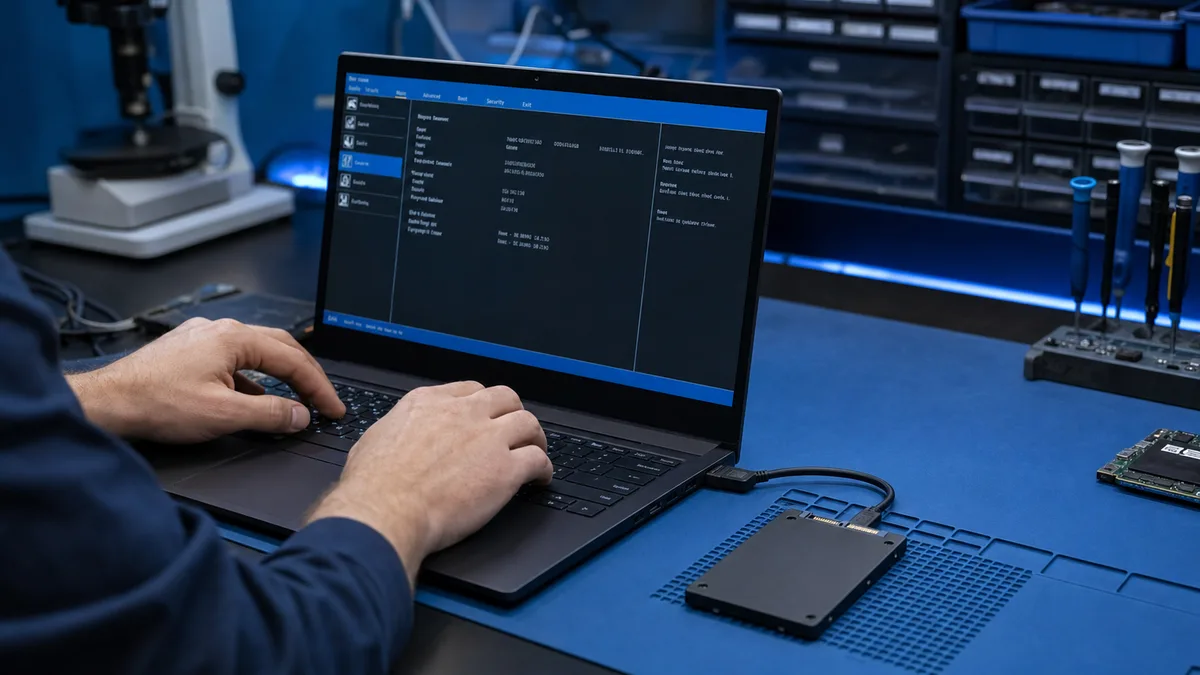
SSD visible in BIOS but not Windows

SSD appears in BIOS but not in Windows – safe checklist

An SSD visible in BIOS is detected at hardware level. Windows may still omit it from File Explorer because of a missing drive letter, partition, file system, or driver.Is the SSD visible in BIOS but missing from Windows?Do not initialise or partition it if files should exist. Tell us the SSD model a...

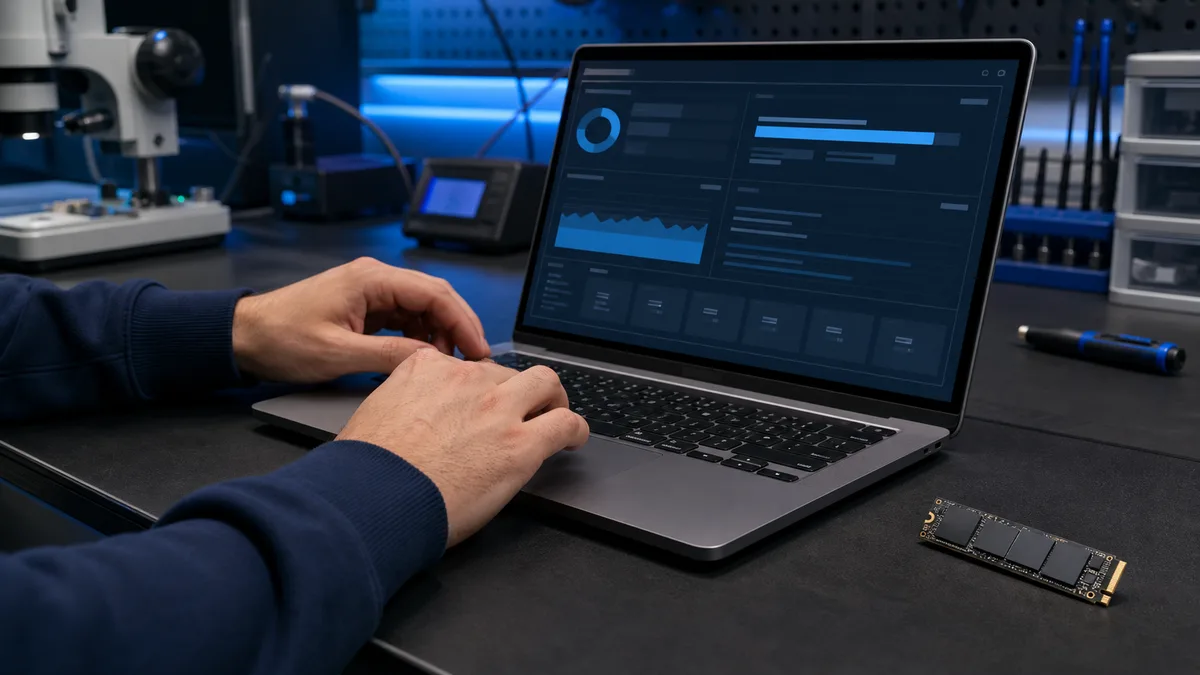
checking SSD health data at a repair bench

What drive health data tells you – and what it does not

Drive health data can reveal wear, errors, and temperature problems before an obvious failure. It cannot promise that an SSD or hard drive will work tomorrow. The result must be considered together with symptoms, backups, and how the drive is used.Are you concerned about a drive health result?Tell u...