A free diagnostic or repair tool can solve a normal software problem. It cannot make a high-risk situation safe. If a drive is unstable, the computer powers off, or files are unique, the next step should be assessment rather than another installation.
Considering a free repair or optimisation tool?
Tell us the symptom and tool name before installation. We can assess whether it only reads information or may change the drive or Windows.
Ask whether the tool is safe
Free does not mean dangerous
A trustworthy tool from the device maker or operating system is often suitable for updates, malware scans, and system-file checks. Risk arises when a tool is used for the wrong symptom, downloaded from an untrusted source, or run without a backup.
Stop before installing if
- the drive disconnects, clicks, or freezes the computer
- files are irreplaceable and no backup exists
- the computer shuts down, overheats, or smells unusual
- the battery is swollen or the device has liquid damage
- the tool promises to bypass encryption or recover everything with certainty
Installation can write to the drive, stress a failing component, or hide the original symptom.
Check the source and the action
Download software only from the manufacturer or a recognised app store. Before running it, find out whether it only reads information or changes the system. Terms such as repair, fix, clean, initialise, and optimise often mean a writing operation.
When is one attempt reasonable?
One limited attempt is usually reasonable when the computer is stable, important data is backed up, the symptom matches the purpose of the tool, and there is a clear way back. Record the original error and change one thing at a time.
Repeated tools make diagnosis harder
Driver bundles, registry cleaners, multiple antivirus products, and automatic optimisers can add a new problem on top of the original one. If the first justified attempt does not help, collect the error details and stop.
When is professional assessment more sensible?
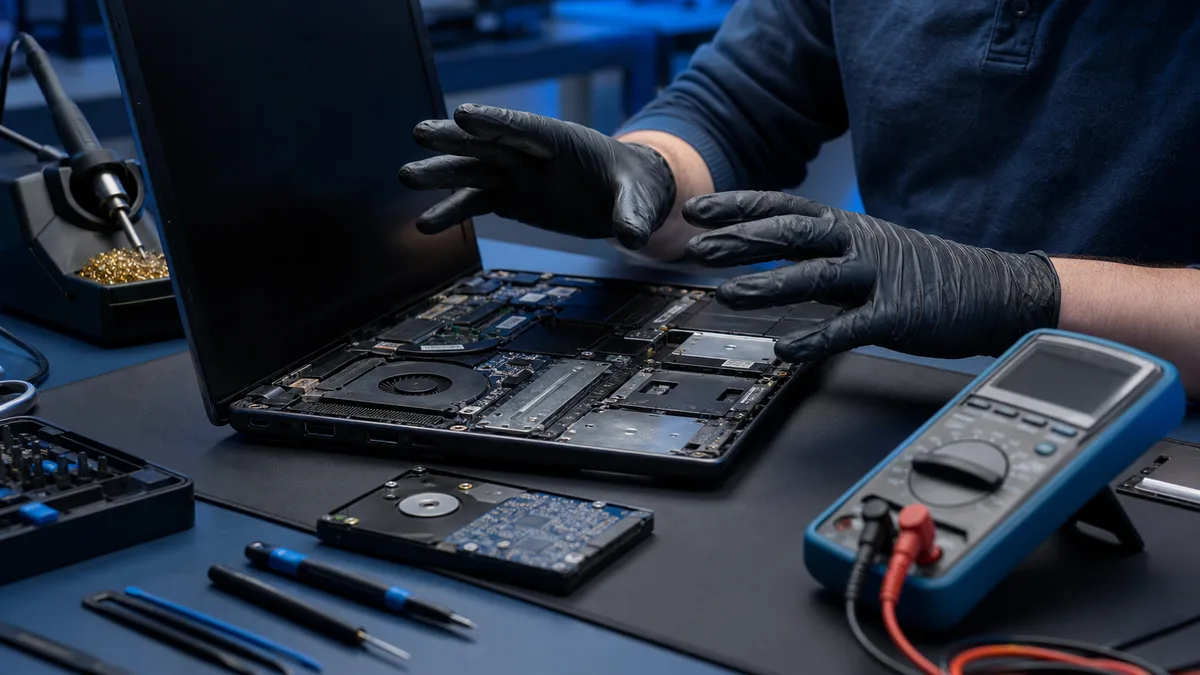
Assessment makes sense when the drive, memory, cooling, power, or motherboard must be measured; when the order of repair and data recovery matters; or when opening the device involves battery or electrical risk.
Bitmaster explains whether it makes most sense to repair, upgrade, recover the data, or replace the computer. If the agreed estimate would be exceeded or substantially more work is needed, we contact the customer before continuing.
Stop experimenting when data or hardware is at risk
If the drive disconnects, the computer shuts down, the battery swells, or files are unique, bring the device for diagnosis. We choose the right order for repair, recovery, or replacement.
Bring the device for safe diagnosis